Role Navigation
Swipe roles, tap to open submenuAccountant • Items
Standalone submenu content with role-aligned workflow and execution checkpoints.
Overview
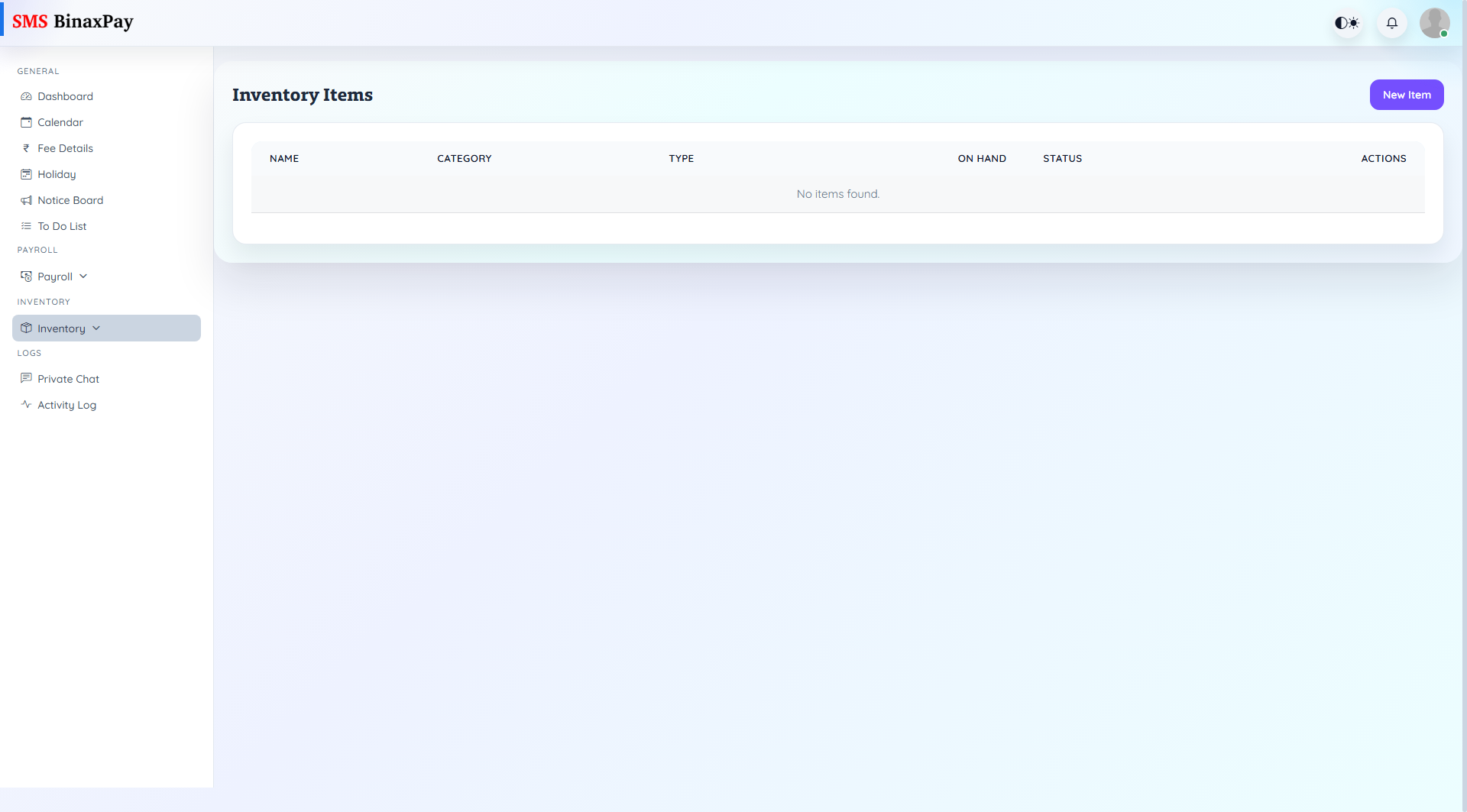
Items page is the inventory catalog control for type, category, on-hand quantity visibility, and item-level edit/view actions. It is the base verification page before movement or requisition processing.
Workflow Execution Steps
- Open items list and review on-hand and status posture.
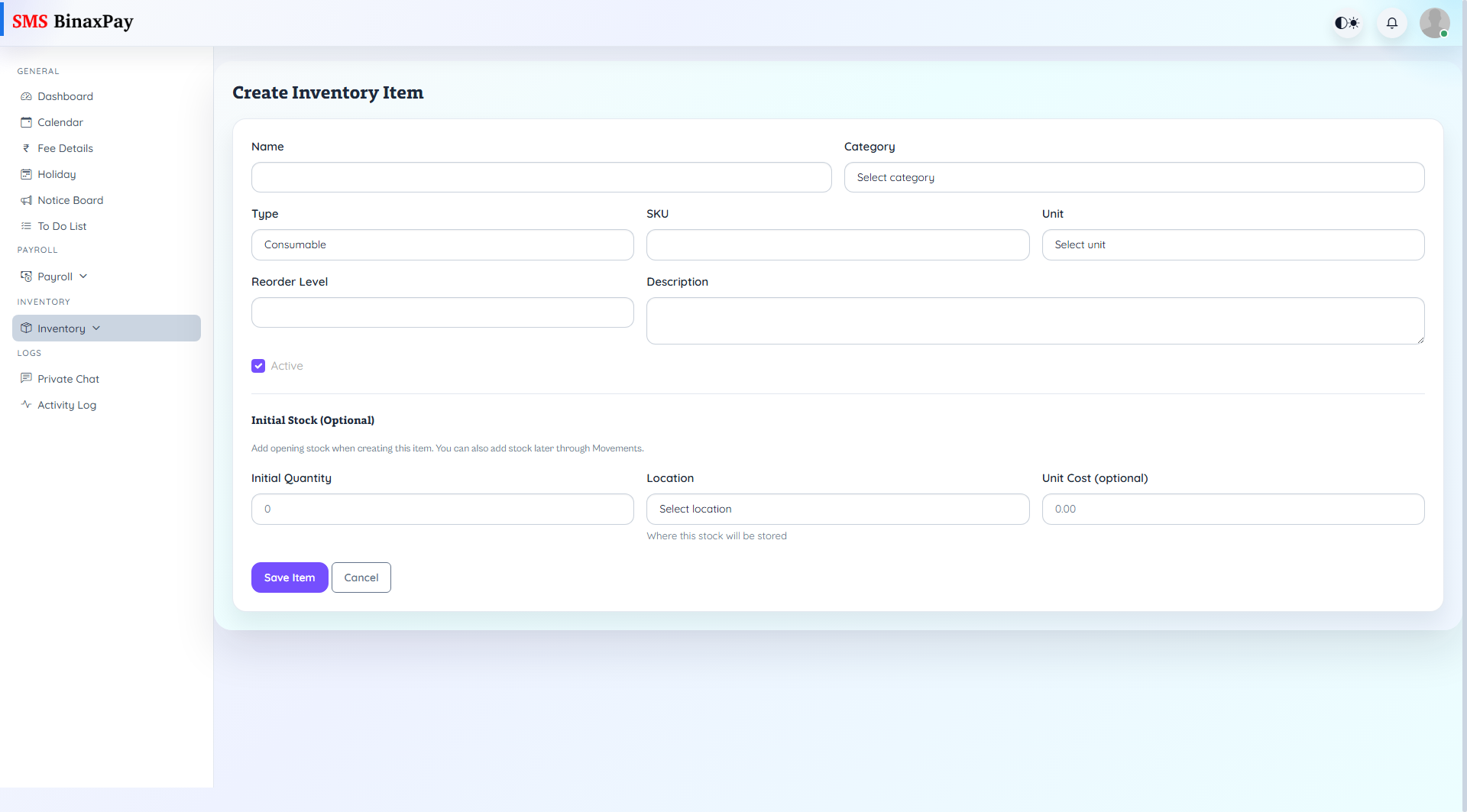
- Create or edit item records where needed.
- Validate item details before downstream actions.
- Use verified item records for movement and requisition processing.
Reference Screenshots