Role Navigation
Swipe roles, tap to open submenuTeacher • Holiday
Standalone submenu content with role-aligned workflow and execution checkpoints.
Overview
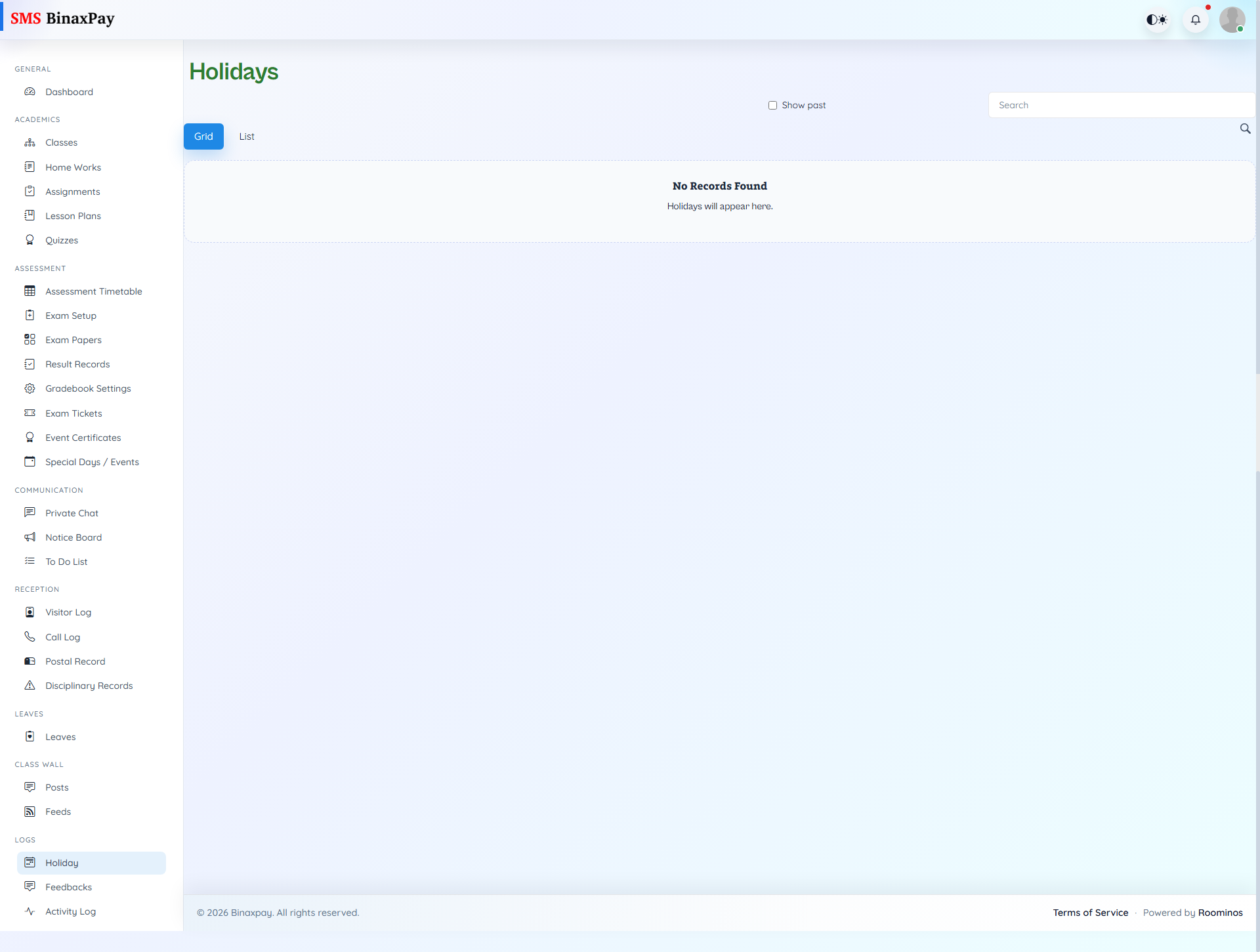
Holiday provides holiday visibility with search and optional past filtering for operational date checks. Teachers should use this module whenever class plans, assessments, or communication depend on school holiday windows. This ensures day-based planning decisions align with official institutional calendar records.
Workflow Execution Steps
- Open holiday list and verify upcoming holiday windows.
- Adjust lesson, task, and exam deadlines accordingly.
- Communicate schedule changes to students where needed.
- Recheck date constraints before publishing new deadlines.
Reference Screenshots