Role Navigation
Swipe roles, tap to open submenuTeacher • Assignments
Standalone submenu content with role-aligned workflow and execution checkpoints.
Overview
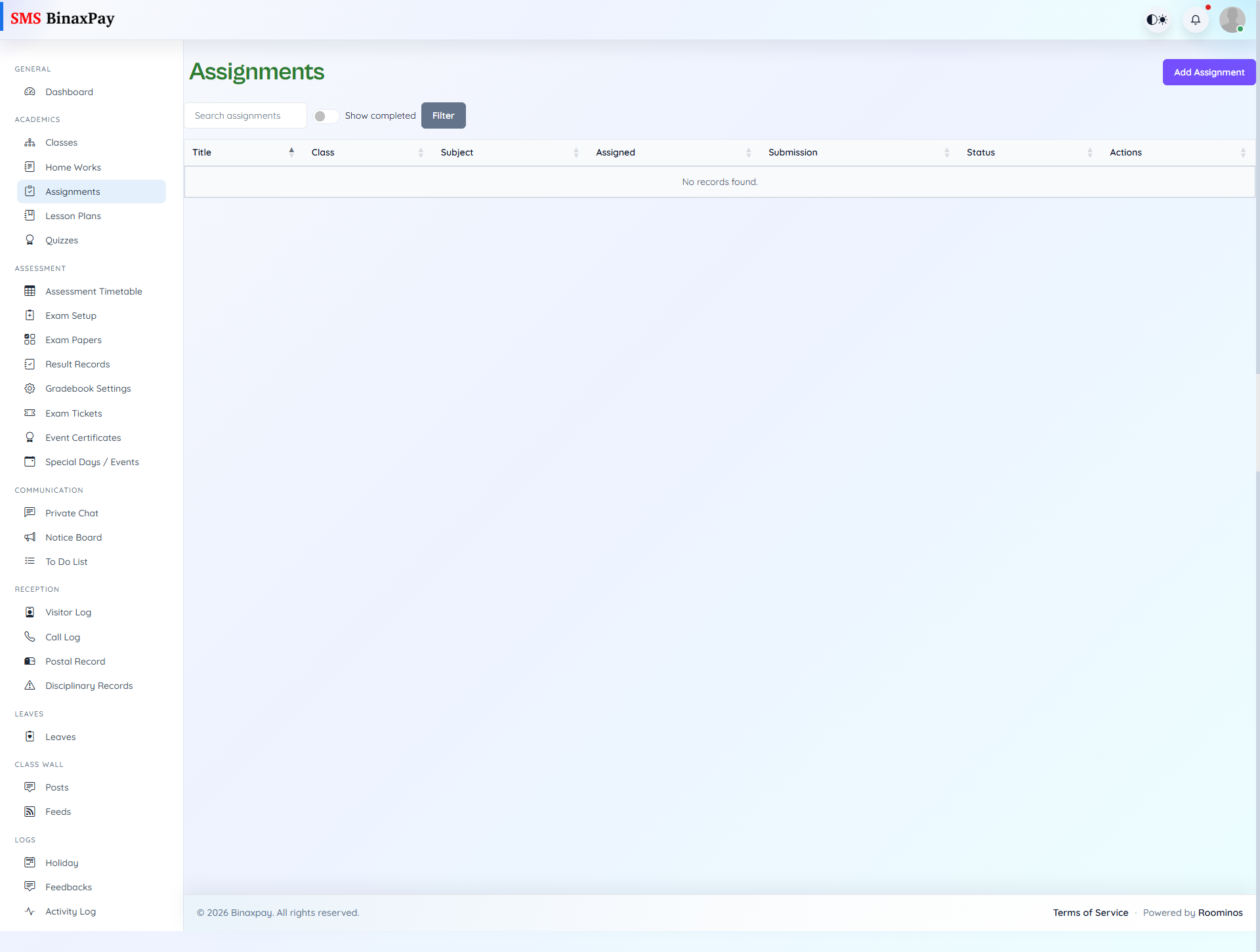
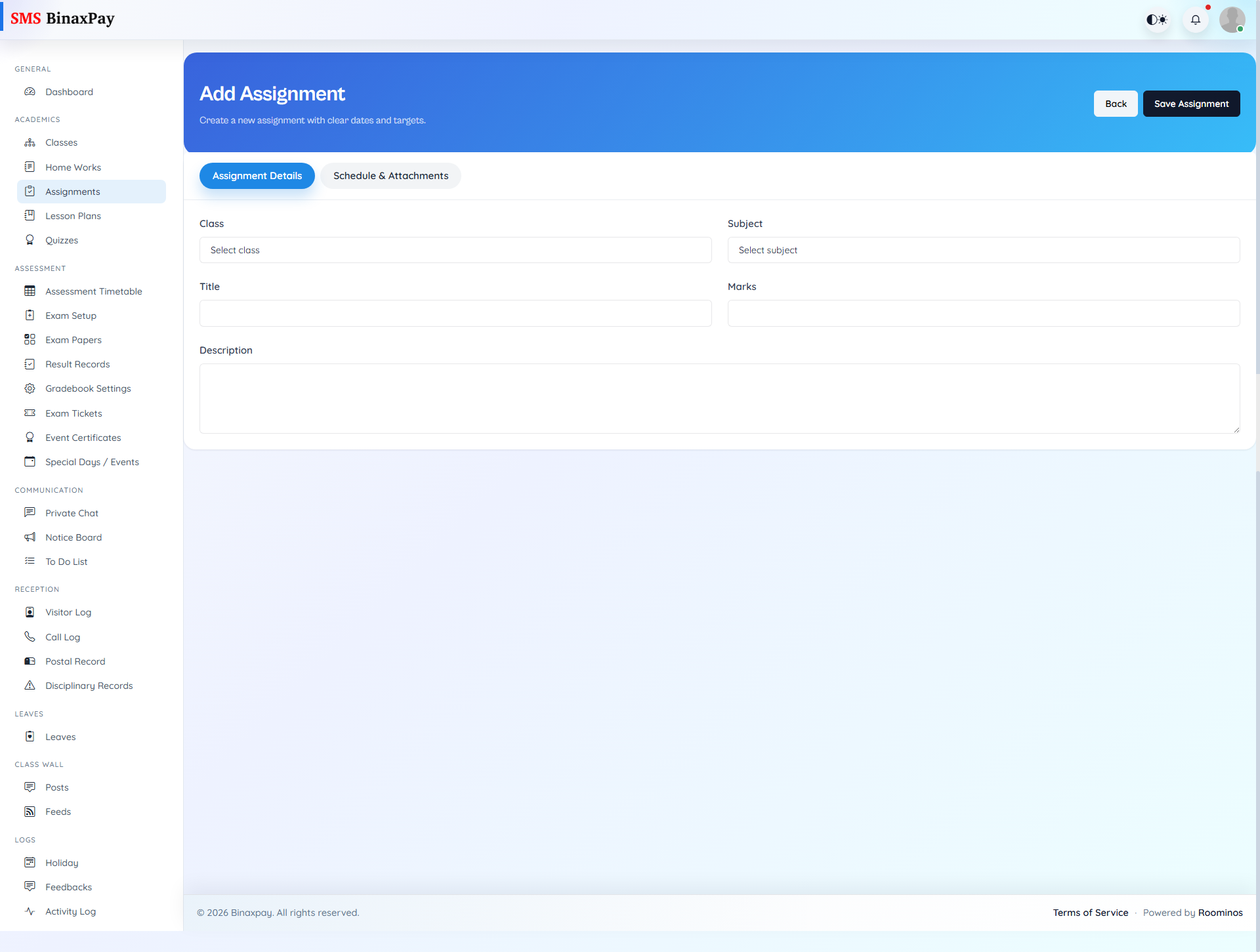
Assignments is used for structured submission cycles that are usually heavier than homework and may include grading or review interactions. Teachers can create new assignments, monitor submissions, review student participation, and adjust open items while they are editable. The expected flow is to open the assignment window, track student submission volume, and close the cycle with review clarity so students understand completion expectations.
Workflow Execution Steps
- Create assignment and define timeline and criteria.
- Monitor submissions and student participation.
- Add marks/comments during review cycle.
- Close cycle and communicate outcomes after review.
Reference Screenshots