Role Navigation
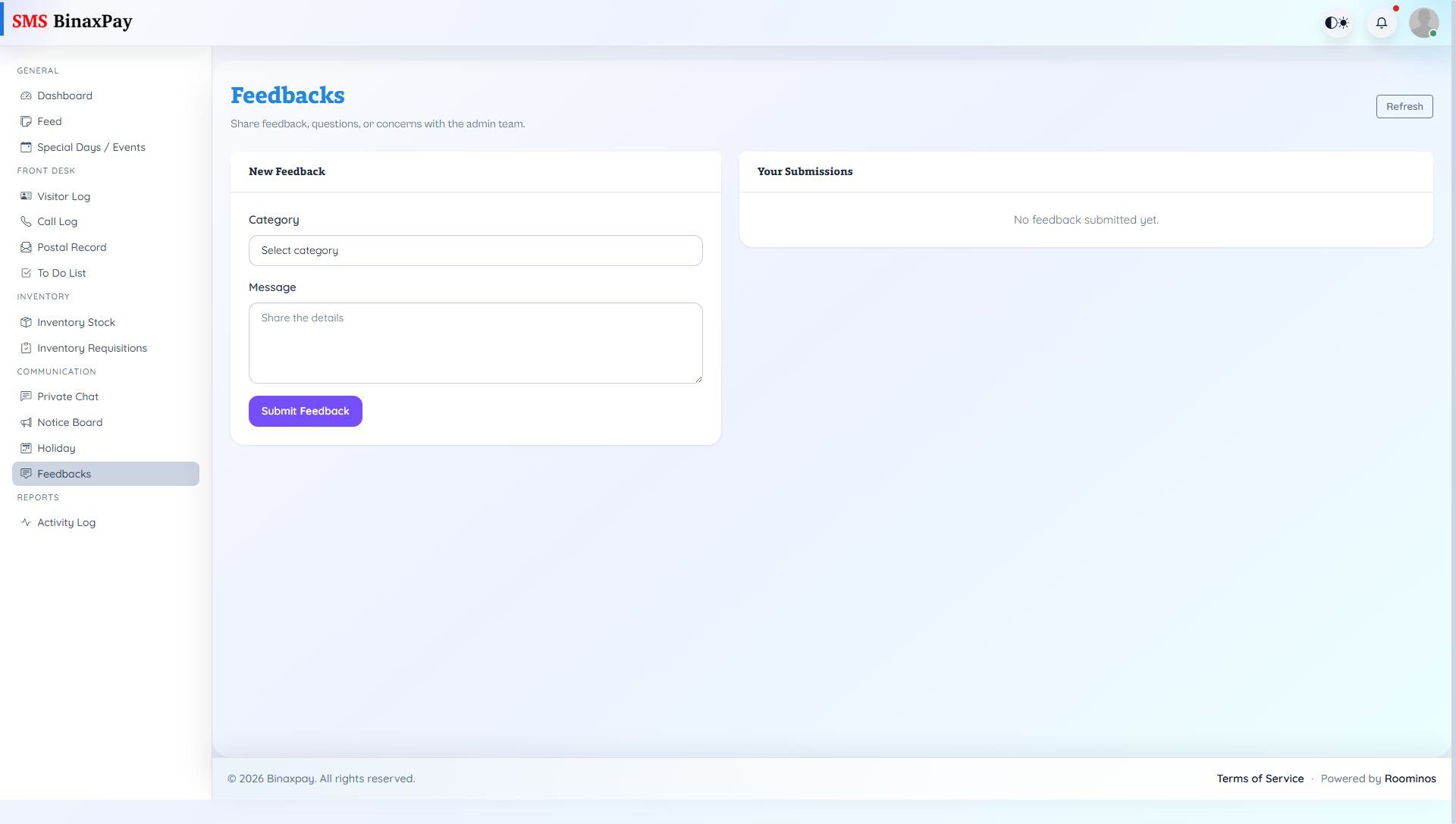
Swipe roles, tap to open submenuReceptionist • Feedbacks
Standalone submenu content with role-aligned workflow and execution checkpoints.
Overview
Feedbacks uses the shared portal flow in receptionist context for formal issue tracking and replies. Receptionist should use it for structured escalation and response loops that need traceable status movement.
Workflow Execution Steps
- Open feedback queue and review issue details.
- Post structured reply or escalation note.
- Track issue until resolved status is reached.
- Ensure requester-facing response is complete before closure.
Reference Screenshots