Role Navigation
Swipe roles, tap to open submenuStudent • Leave Applications
Standalone submenu content with role-aligned workflow and execution checkpoints.
Overview
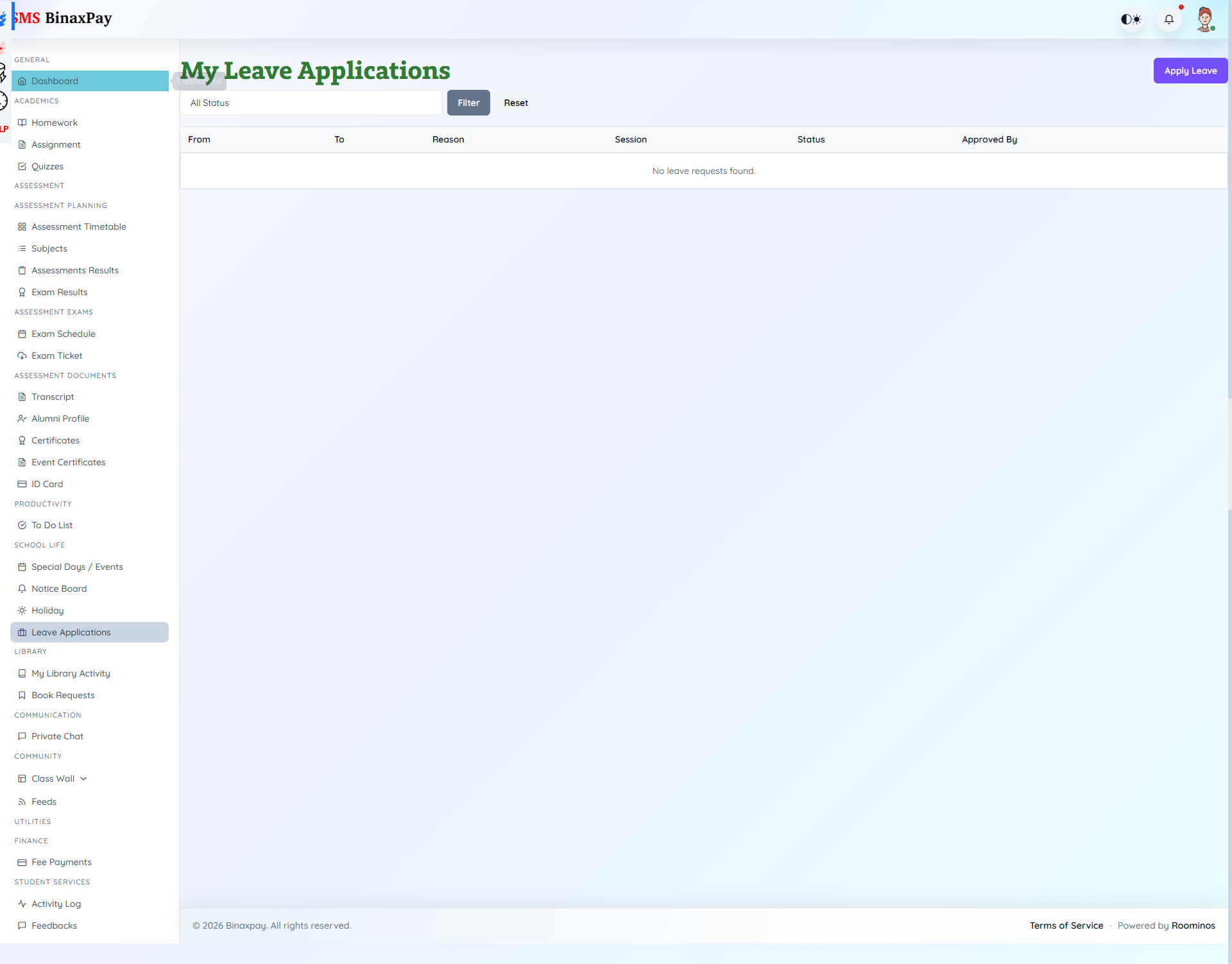
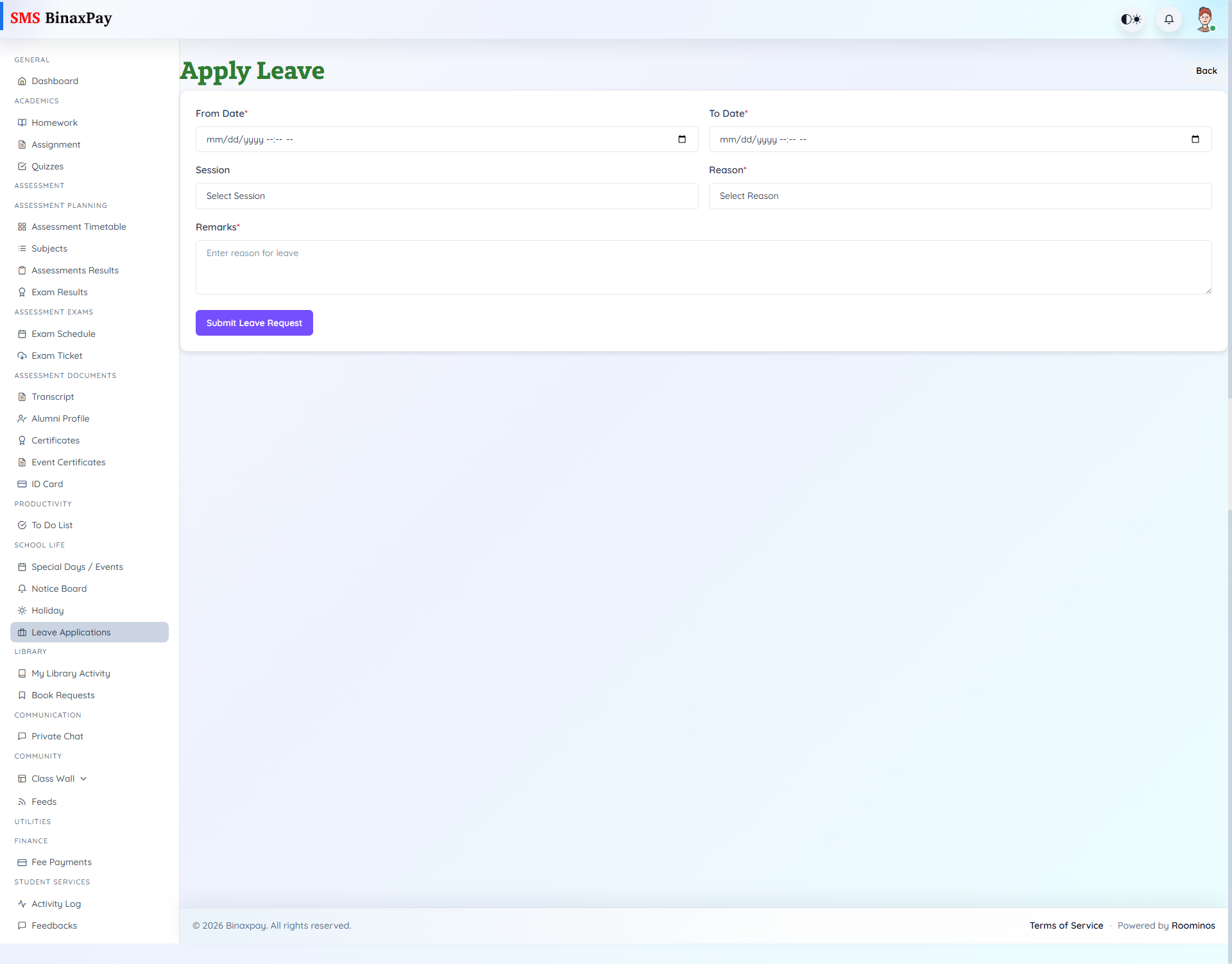
Leave Applications (student/leave/*) supports end-to-end leave request lifecycle with form submission and status tracking. Required fields include from/to datetime, reason, and optional session/remarks depending on case.
List badges show Pending/Approved/Cancelled with approver context where available.
Workflow Execution Steps
- Open leave page and create request with reason and date range.
- Submit leave request with required session details if needed.
- Monitor pending/approved/rejected status.
- Follow up when decision is pending near required date.
Reference Screenshots