Role Navigation
Swipe roles, tap to open submenuStudent • Published Results
Standalone submenu content with role-aligned workflow and execution checkpoints.
Overview
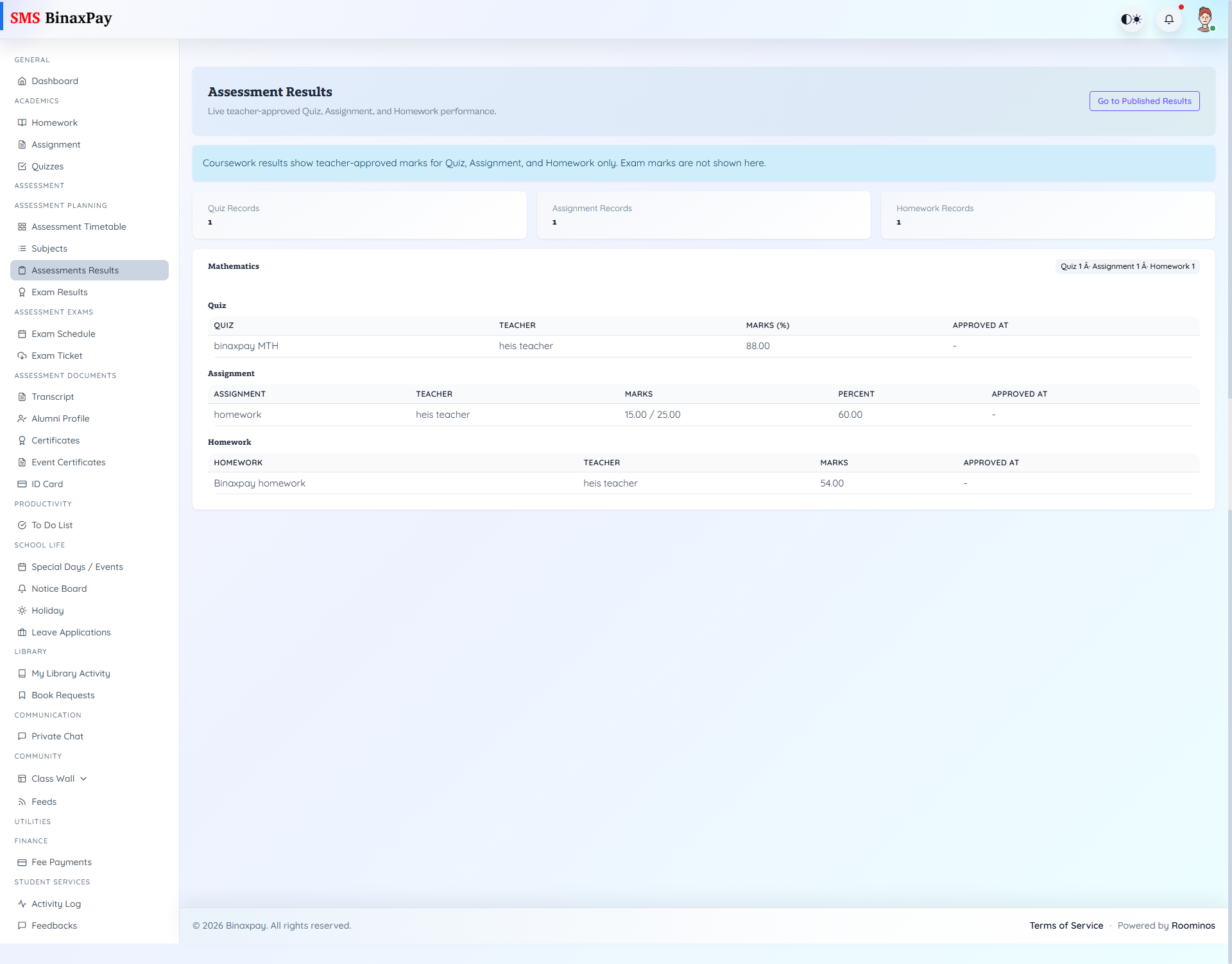
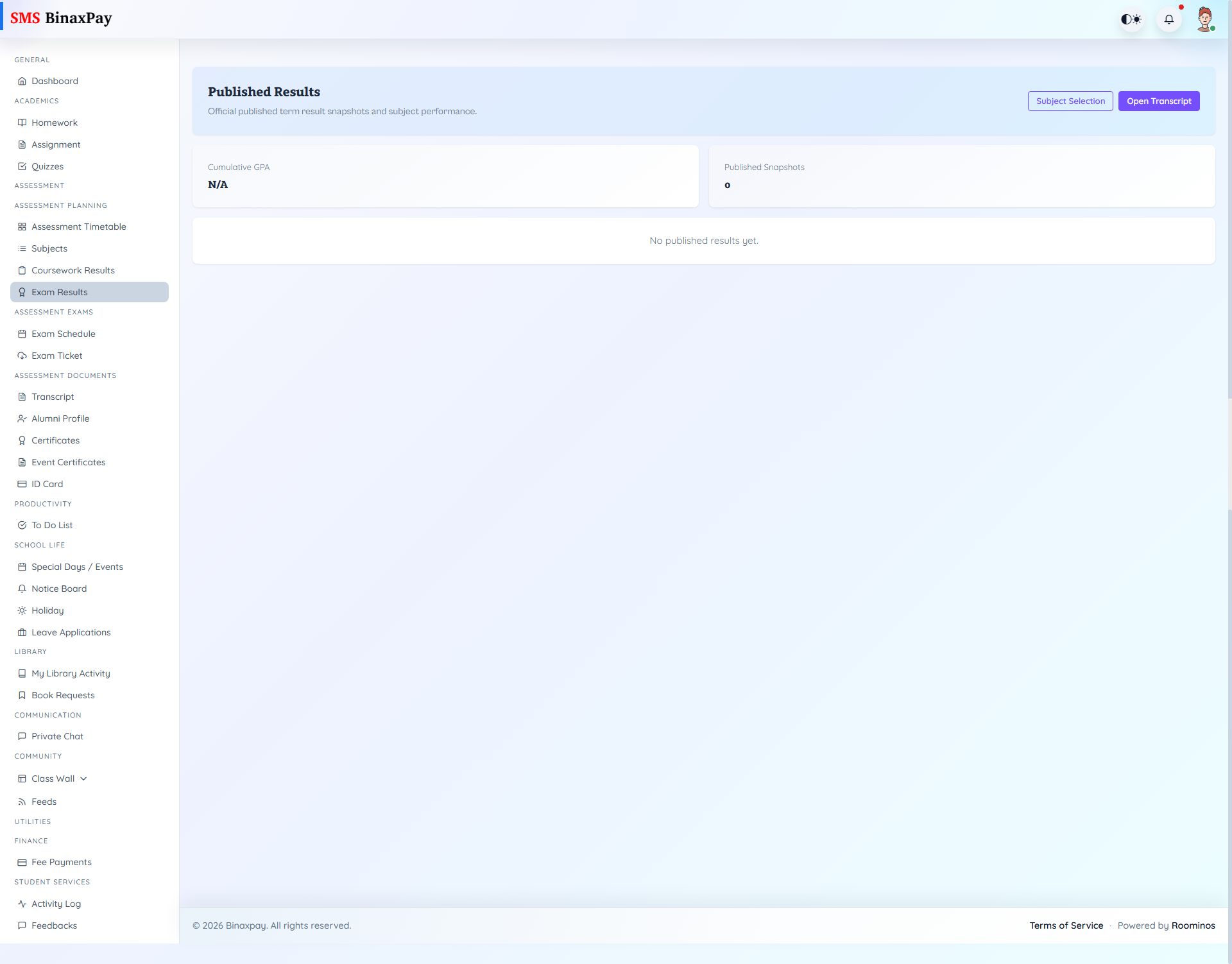
Published Results is the closure-and-evidence lane for outcome consumption and support follow-through. It includes official result snapshots and transcript context, quiz result states (available/manual pending), finance (student/fees/index.blade.php) pending-vs-paid tracking, transport assignment visibility (student/transport/index.blade.php), library activity + requisition lifecycle (student/libraryactivity/* and student/inventory/requisitions/* with legacy student/bookrequest/* overlap), account/profile maintenance, activity-log traces, and shared feedback portal threads.
Important states are publication-dependent: assessment outputs appear after release, requisitions move pending -> approved/rejected -> fulfilled, fees move pending -> paid, transport may show no active assignment, and feedback threads progress New -> In Review -> Resolved.
Workflow Execution Steps
- Open exam results and verify published session/term context.
- Review subject-level outcomes against expected performance.
- Raise formal query when mismatch is detected.
- Use transcript/certificates as downstream official reference outputs.
Reference Screenshots