Role Navigation
Swipe roles, tap to open submenuTeacher • Special Days / Events
Standalone submenu content with role-aligned workflow and execution checkpoints.
Overview
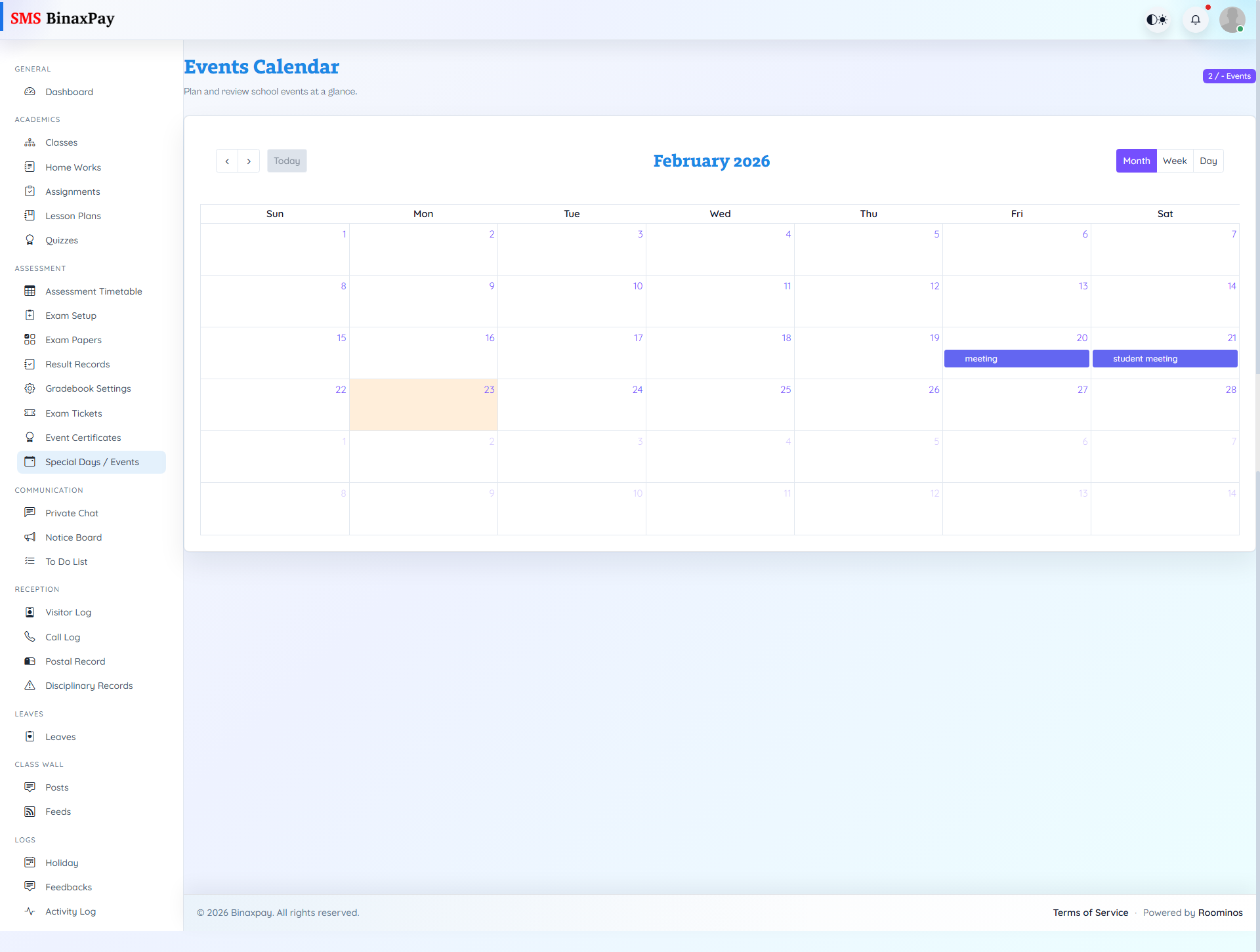
Special Days / Events is a calendar-driven area where teachers review event schedules and can create or inspect event details through calendar interactions. It supports date-aware planning so instruction and assessment activities do not conflict with school events. Teachers should consult this page while planning lesson or test windows to avoid timetable and participation clashes.
Workflow Execution Steps
- Open events calendar and add or review event entries.
- Check overlap with classes and exam windows.
- Publish or update event details as needed.
- Align class plans with updated event schedule.
Reference Screenshots