Role Navigation
Swipe roles, tap to open submenuParent • Transport
Standalone submenu content with role-aligned workflow and execution checkpoints.
Overview
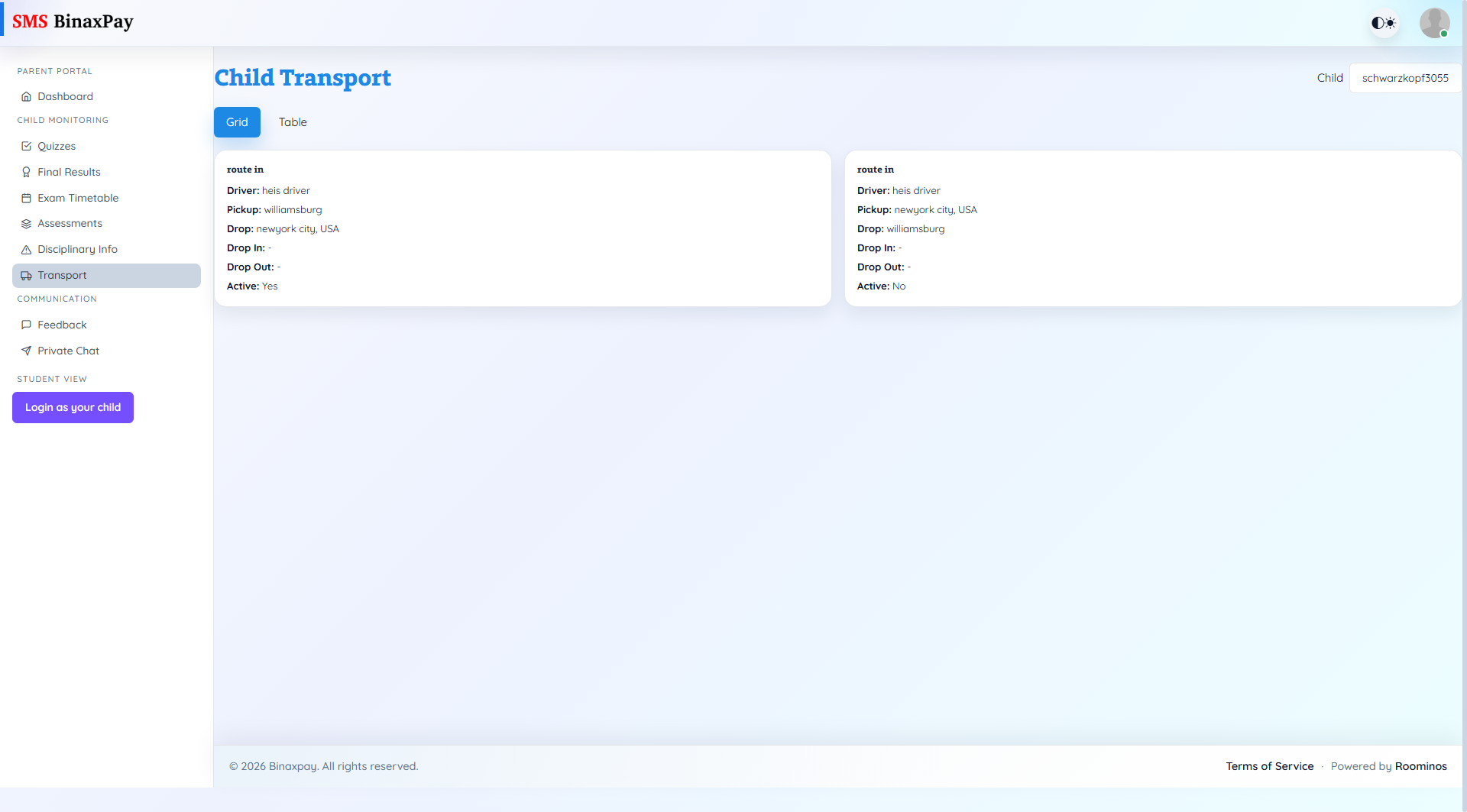
Transport shows child transport assignment visibility including route, driver, inferred pickup/drop stops, drop-in/drop-out locations, and active state. This page is primarily for route-awareness and daily logistics confidence. Parents should verify active assignment status and stop context here before escalating transport concerns.
Workflow Execution Steps
- Select child and review route and driver details.
- Confirm pickup/drop mapping and active assignment flag.
- Compare transport data with expected daily movement.
- Escalate discrepancies via feedback or private chat.
Reference Screenshots