Role Navigation
Swipe roles, tap to open submenuStudent • Feedbacks
Standalone submenu content with role-aligned workflow and execution checkpoints.
Overview
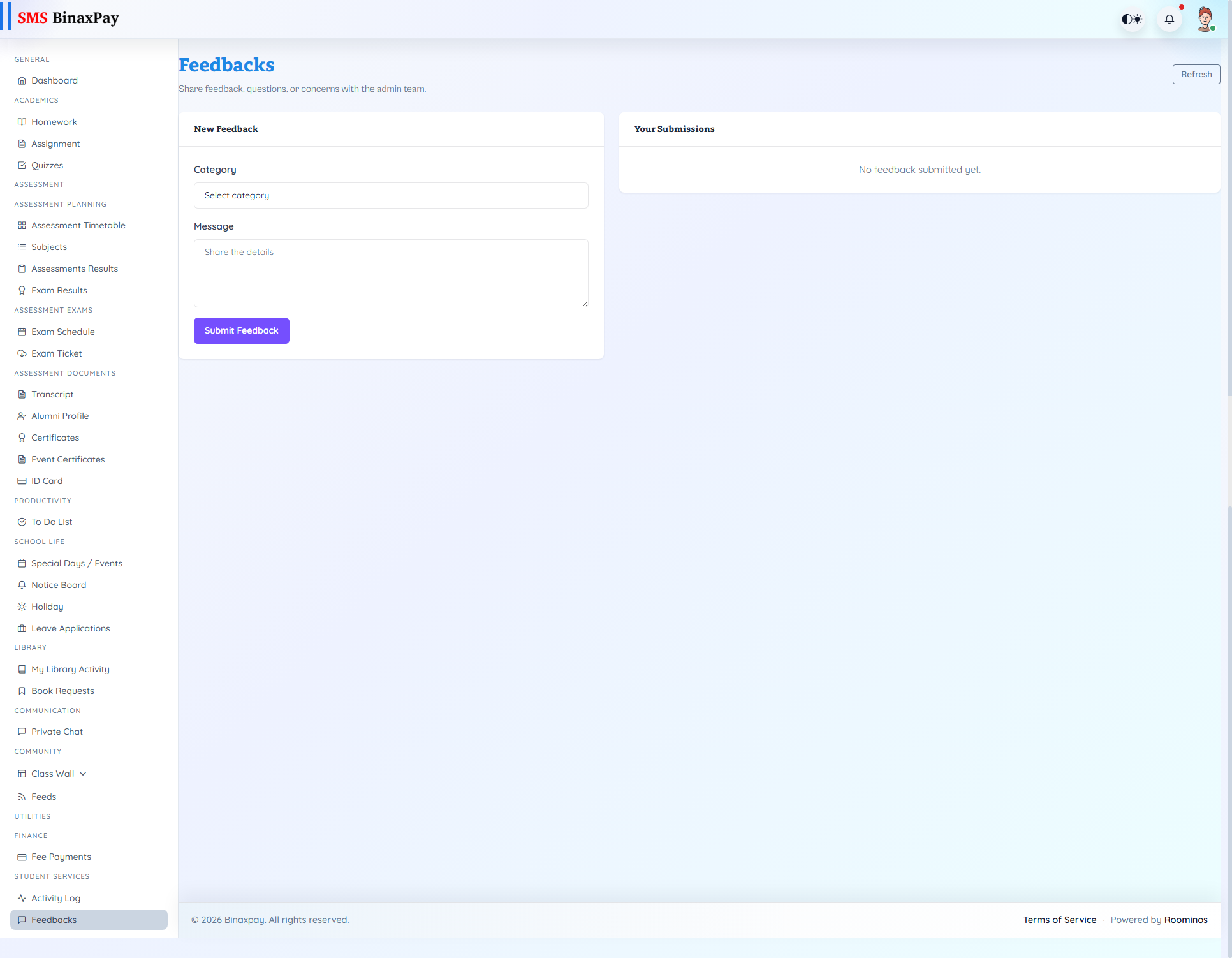
Feedbacks (feedbacks/portal/*) is the formal support thread portal rendered in student context. Students submit category + message, open thread detail, and continue replies until closure.
Status badges progress through New -> In Review -> Resolved.
Workflow Execution Steps
- Open feedbacks and submit issue with clear context.
- Monitor status and response updates in thread.
- Reply with clarifications when requested.
- Close loop only after resolution is confirmed.
Reference Screenshots