Role Navigation
Swipe roles, tap to open submenuTeacher • Chat Room
Standalone submenu content with role-aligned workflow and execution checkpoints.
Overview
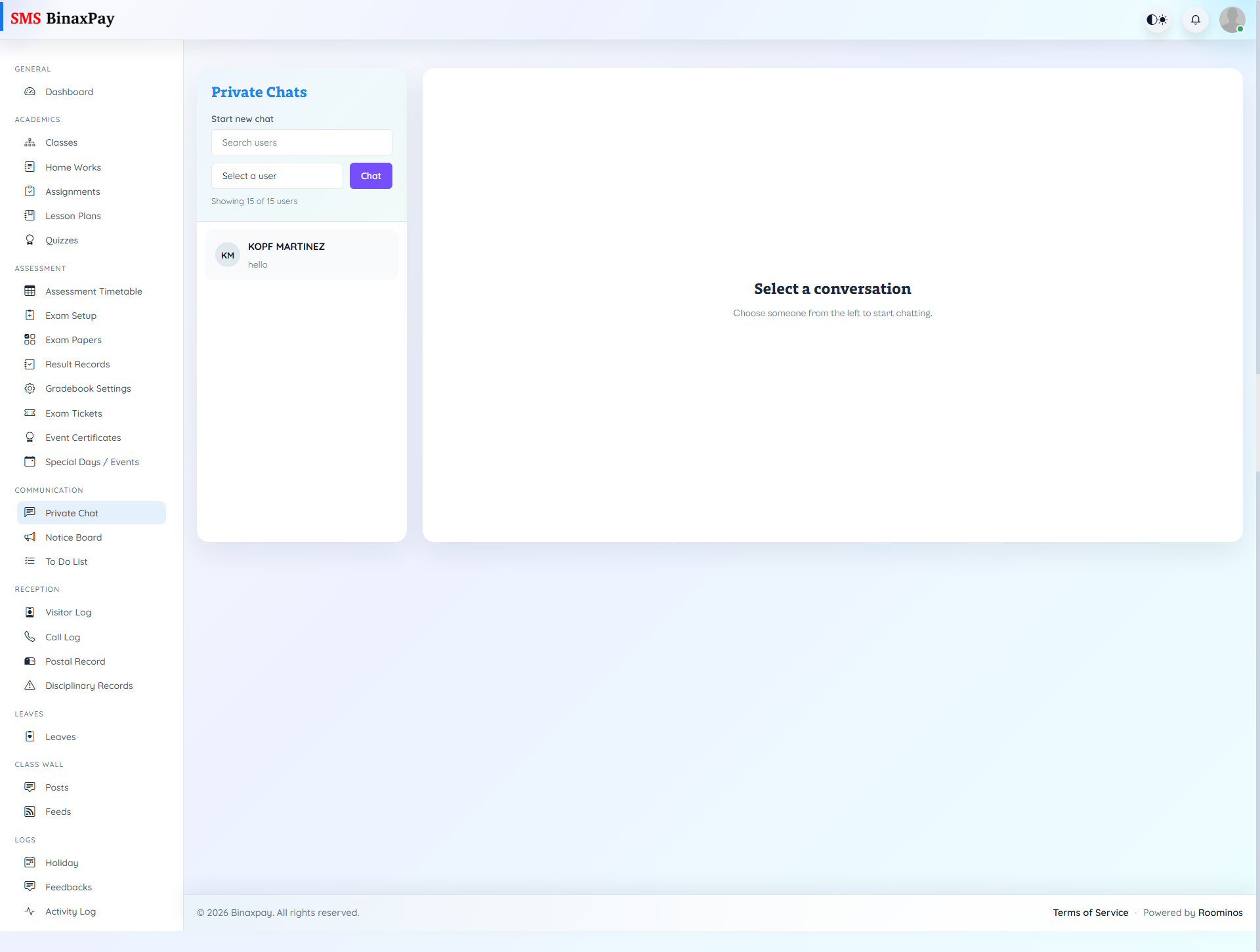
Chat Room (optional, config-driven) supports thread-style communication for class-level engagement and discussion continuity when enabled. Teachers should use it for interactive class conversation and coordination while keeping formal announcements in their dedicated channels. If this menu is not visible in a given environment, communication should continue through available notice and class wall modules.
Workflow Execution Steps
- Open Chat Room only when chat module is enabled.
- Select room context and send concise message.
- Confirm response or receipt from participants.
- Move formal requests into official tracked modules.
Reference Screenshots