Role Navigation
Swipe roles, tap to open submenuParent • Exam Timetable
Standalone submenu content with role-aligned workflow and execution checkpoints.
Overview
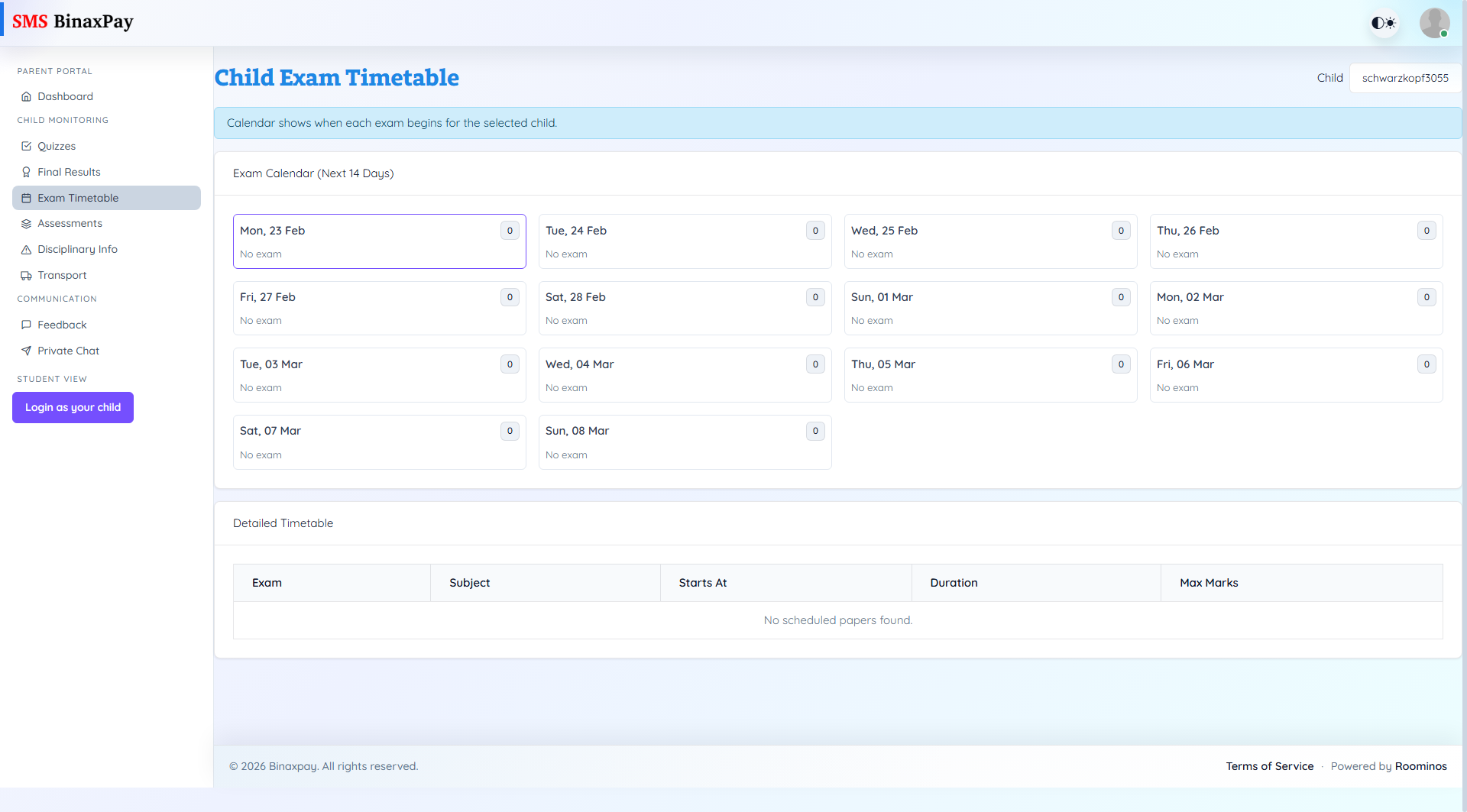
Exam Timetable provides a 14-day calendar plus detailed paper-level schedule, showing exam, subject, start time, duration, and max marks for the selected child. This page is used for planning and readiness, not for result evaluation. Parents should use it to synchronize home study planning with scheduled assessment windows.
Workflow Execution Steps
- Select child and scan 14-day calendar for upcoming papers.
- Review detailed timetable rows by subject/date/time.
- Align preparation plan with schedule windows.
- Repeat checks to capture schedule changes early.
Reference Screenshots