Role Navigation
Swipe roles, tap to open submenuTeacher • My Leaves
Standalone submenu content with role-aligned workflow and execution checkpoints.
Overview
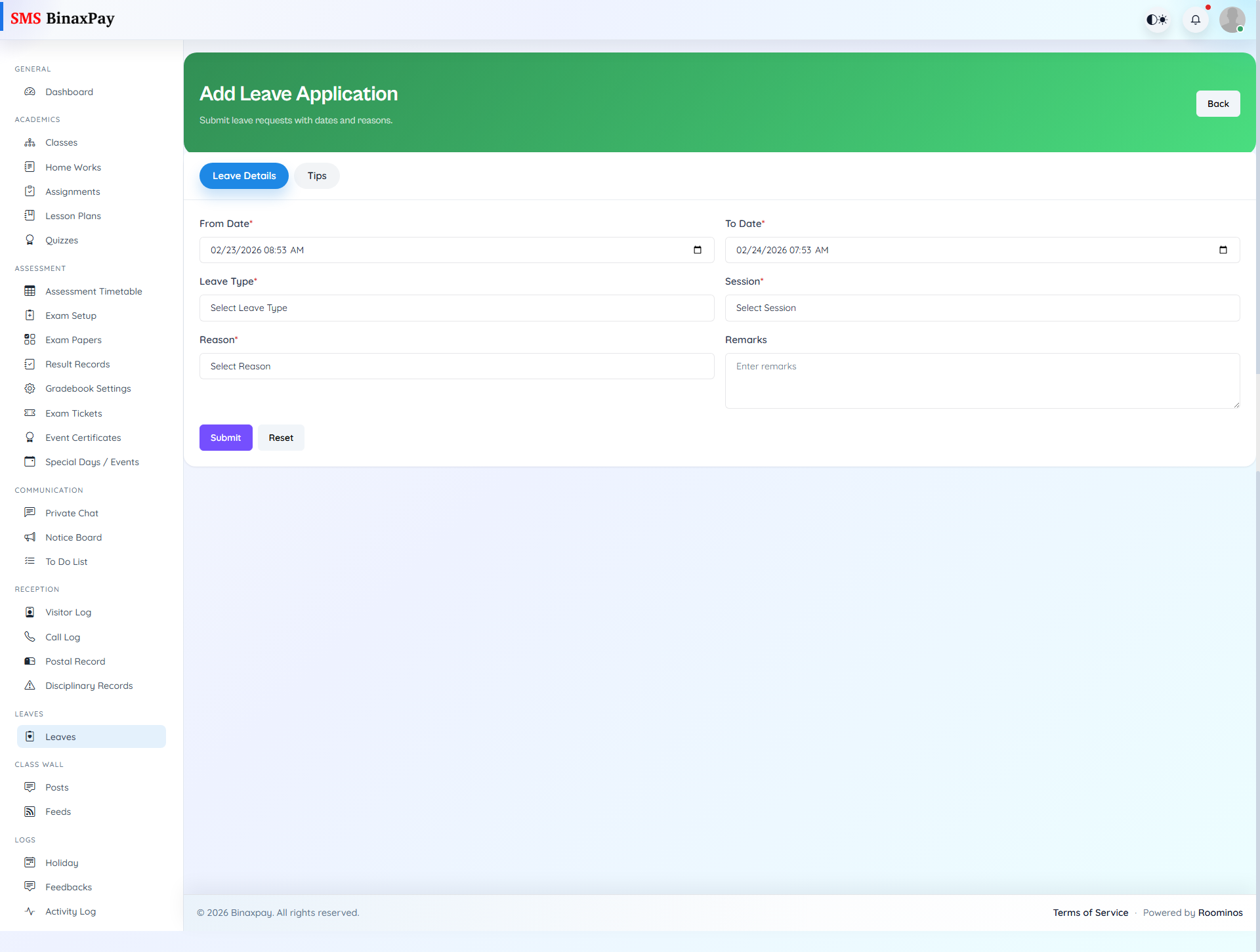
My Leaves appears for leave checker roles and provides self-focused leave tracking separate from approval queues. It helps checker users distinguish personal leave records from workflow approvals they process for others. Teachers with this menu should review it periodically to avoid confusion between submitted and reviewed leave states.
Workflow Execution Steps
- Open my leaves and review personal leave history/status.
- Submit adjustments where policy permits.
- Track outcomes separate from checker approval queues.
- Escalate delays with exact leave reference.
Reference Screenshots