Role Navigation
Swipe roles, tap to open submenuReceptionist • Visitor Log
Standalone submenu content with role-aligned workflow and execution checkpoints.
Overview
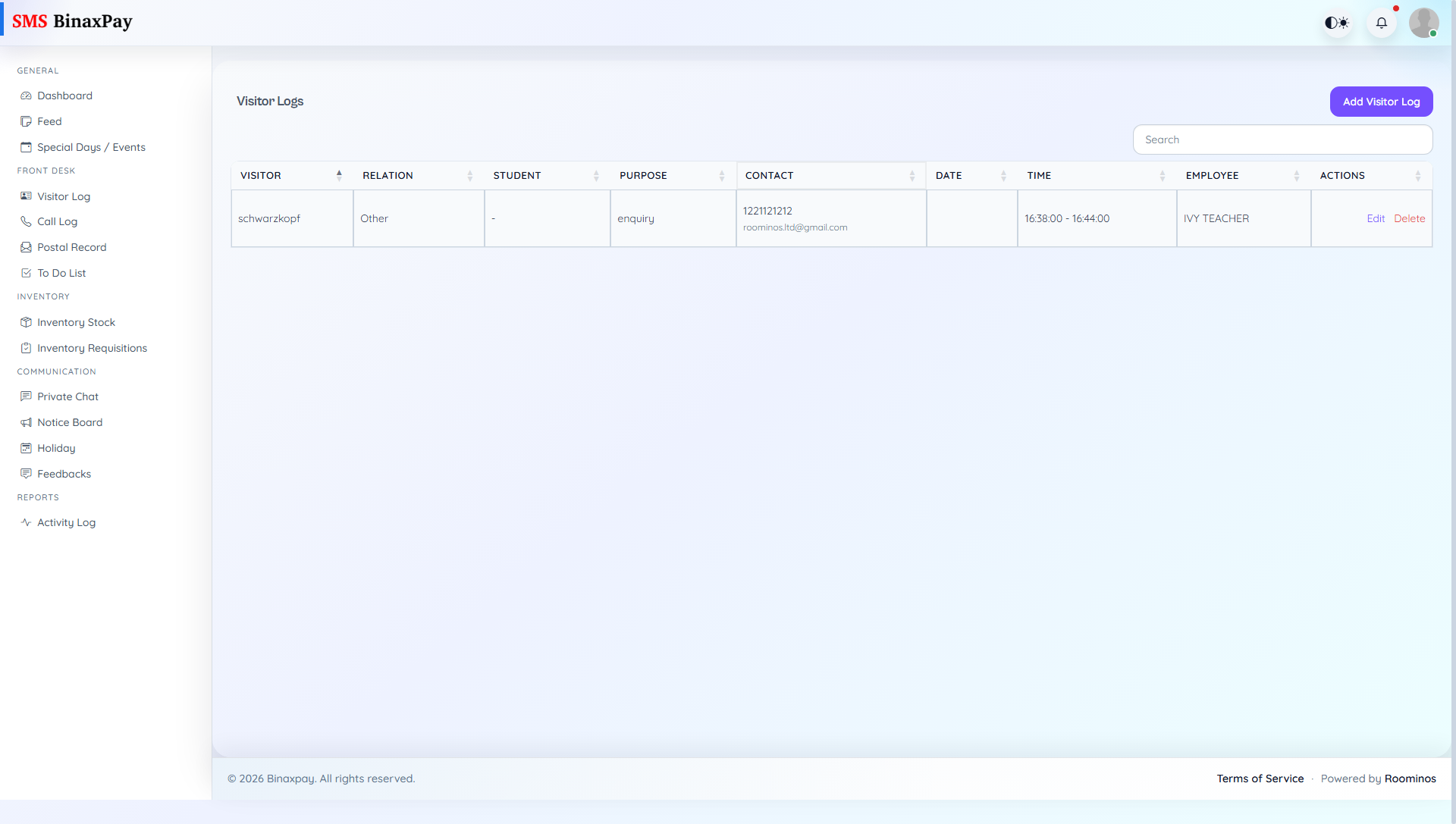
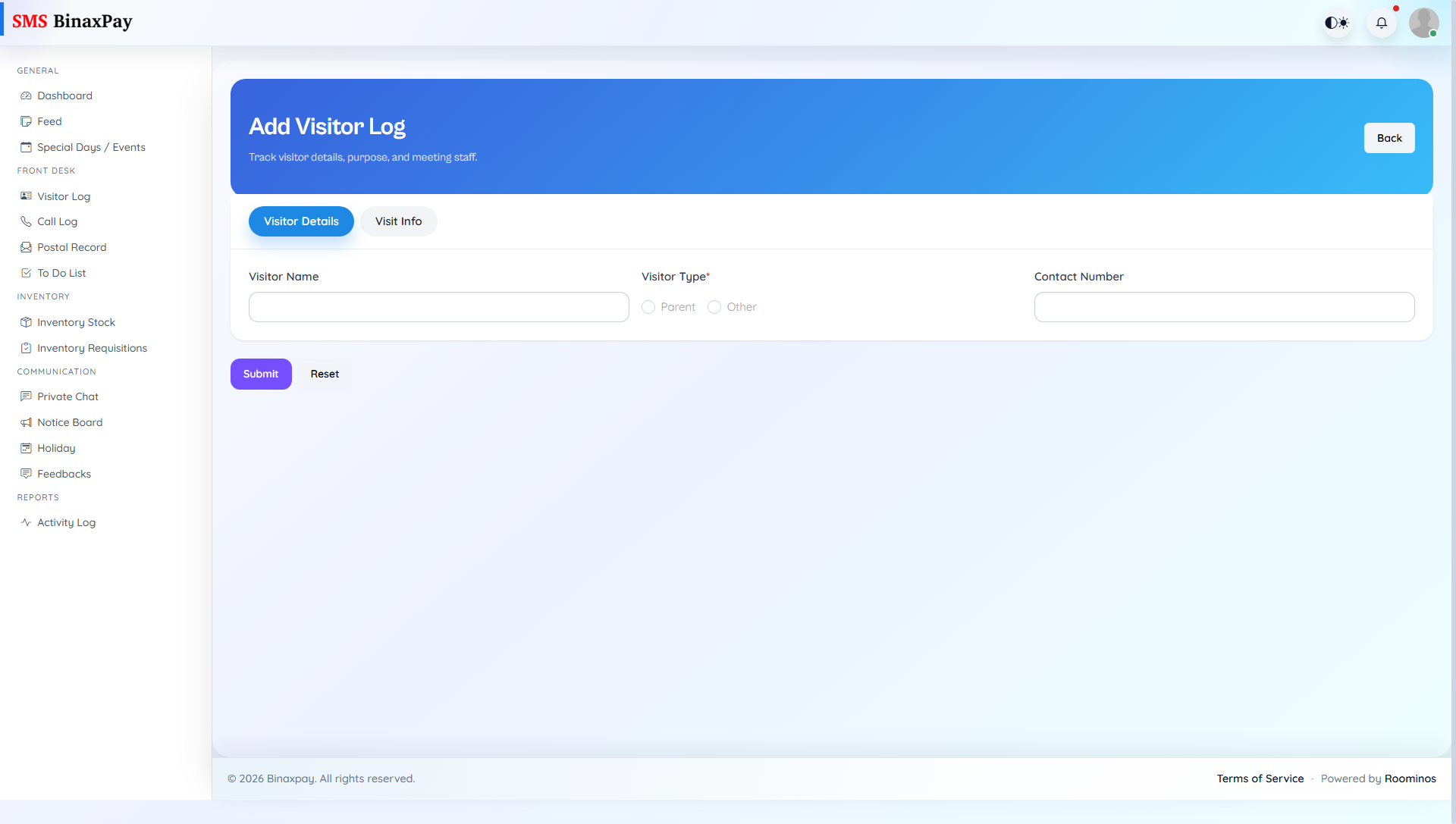
Visitor Log is the primary record page for walk-in interactions and visitor traceability. Receptionist can add, search, edit, delete, and print visitor entries with person, purpose, date, and employee linkage details. Entries should be captured at interaction time to avoid data loss and mismatch.
Workflow Execution Steps
- Capture visitor details at arrival and save entry.
- Update or edit record if information changes.
- Print or view entry when needed for follow-up.
- Close interaction with complete visitor record.
Reference Screenshots