Role Navigation
Swipe roles, tap to open submenuReceptionist • Inventory Stock
Standalone submenu content with role-aligned workflow and execution checkpoints.
Overview
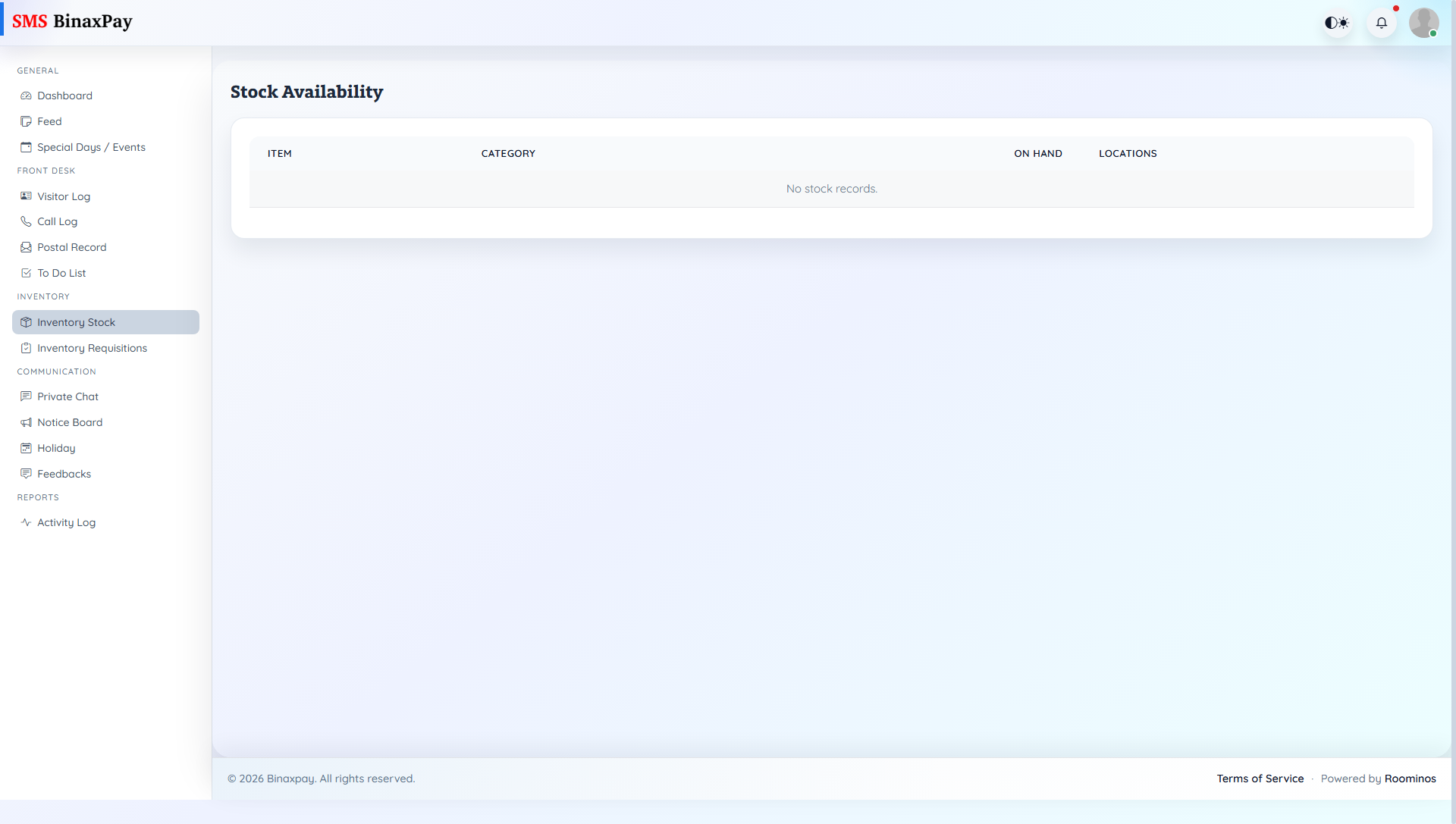
Inventory Stock is the receptionist stock visibility page for checking available quantities before placing requisitions. Receptionist should verify stock posture here first so requests reflect real shortages rather than assumptions.
Workflow Execution Steps
- Open stock browse and verify quantity/location availability.
- Compare stock posture against current demand.
- Decide if requisition is genuinely required.
- Proceed to requisition only for confirmed shortfall.
Reference Screenshots