Role Navigation
Swipe roles, tap to open submenuTeacher • Quizzes
Standalone submenu content with role-aligned workflow and execution checkpoints.
Overview
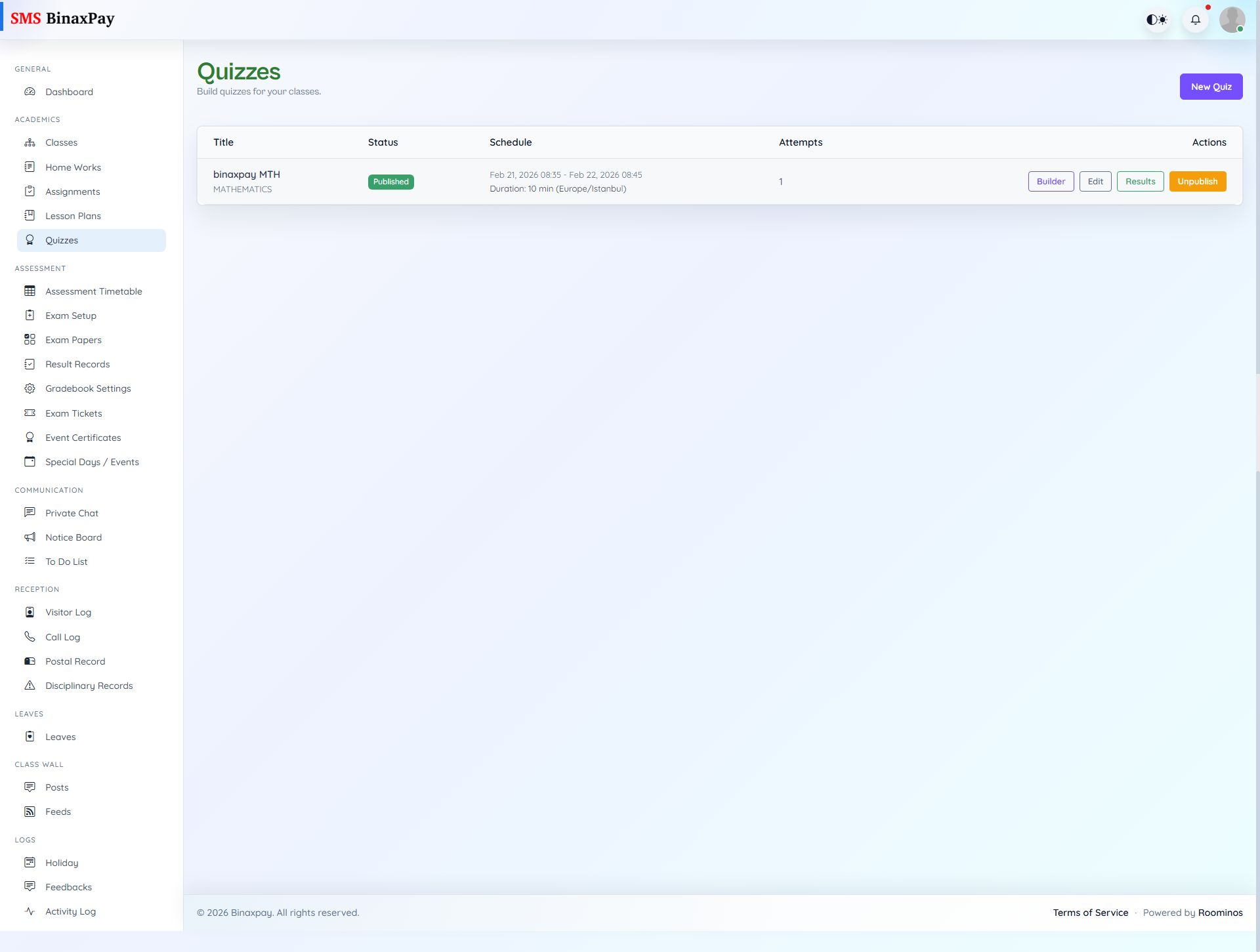
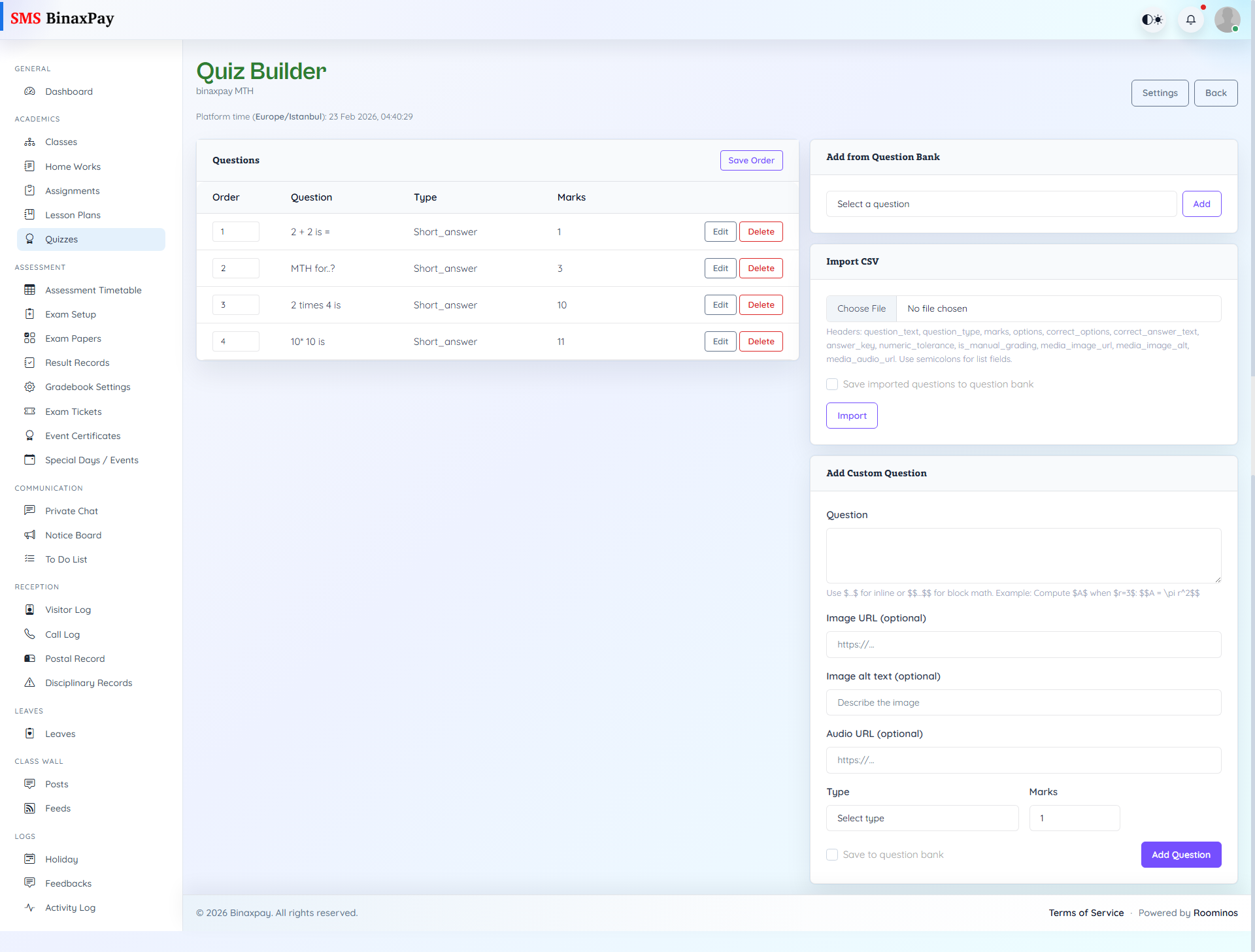
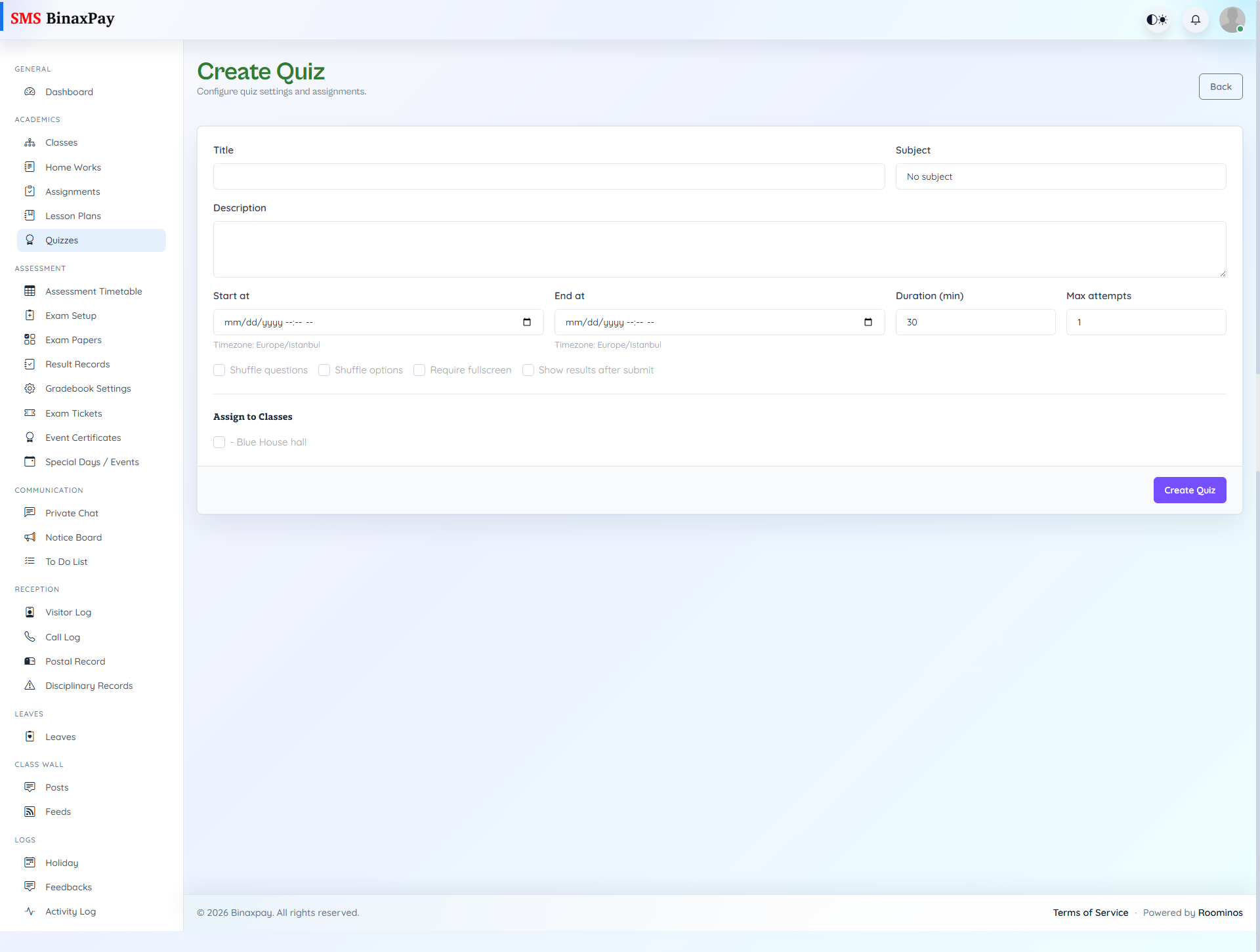
Quizzes supports rapid assessment cycles where teachers create quiz shells, build questions, publish attempts, and review outcomes. The module allows teachers to control attempt visibility and grading continuity while tracking attempt counts and result states. A practical execution pattern is create and validate content first, publish only when ready, then use result views to handle manual grading and learner feedback.
Workflow Execution Steps
- Create quiz shell and add/import/reorder questions.
- Publish quiz after content validation.
- Monitor attempts and result states during live window.
- Apply manual review/grading where needed and close after window.
Reference Screenshots