Role Navigation
Swipe roles, tap to open submenuStudent • Library Books
Standalone submenu content with role-aligned workflow and execution checkpoints.
Overview
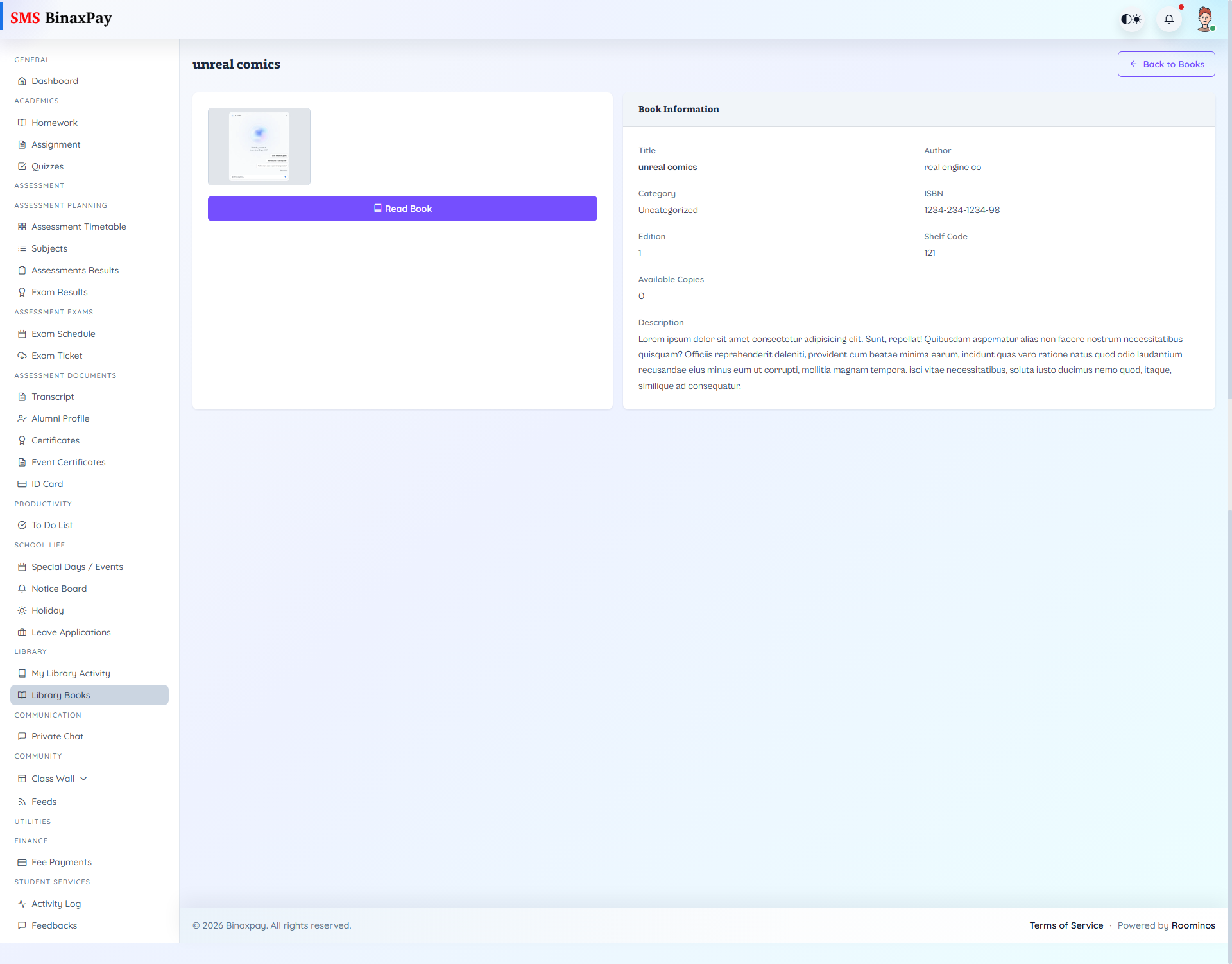
Library Books is the student-facing school-scoped catalog for discovering and reading available books. It supports search and detail-driven access so students can open available attachment-based reading materials directly from book records.
Workflow Execution Steps
- Open library books index and search by title, author, category, or ISBN.
- Open book detail card for selected item.
- Click Read Book when attachment is available.
- Return to catalog and continue reading workflow selection.
Reference Screenshots