Role Navigation
Swipe roles, tap to open submenuTeacher • Notice Board
Standalone submenu content with role-aligned workflow and execution checkpoints.
Overview
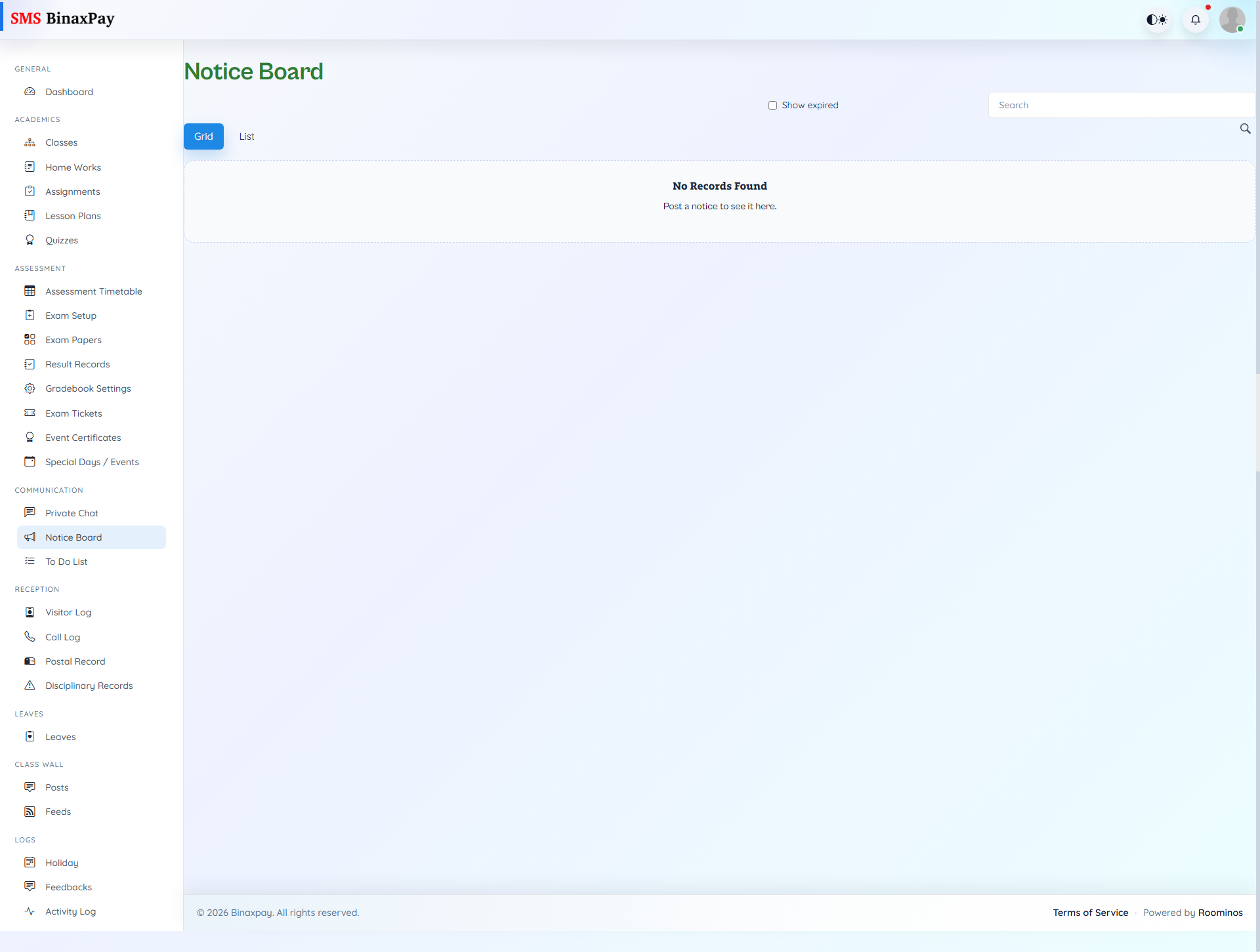
Notice Board is the institutional announcement visibility page for teacher-facing notice consumption and context monitoring. Teachers can search notices, view attachments, and inspect active versus expired items to keep classroom communication aligned with official updates. This page should be checked before broadcasting class information so teacher messaging does not conflict with current school notices.
Workflow Execution Steps
- Open notice board and filter active notices.
- Read and verify latest institutional directives.
- Apply directives into class communication updates.
- Recheck notices before major class announcements.
Reference Screenshots