Role Navigation
Swipe roles, tap to open submenuDriver • Install App
Standalone submenu content with role-aligned workflow and execution checkpoints.
Overview
Install App triggers PWA installation for field-friendly usage on the driver device. Drivers should install this on their working phone/tablet to improve practical access during transport runs.
Workflow Execution Steps
- Open Install App from WebApp on the working driver device.
- Accept installation prompt and pin for quick launch.
- Open transport modules in installed mode for field usage.
- Use installed app mode across daily trip execution.
Reference Screenshots
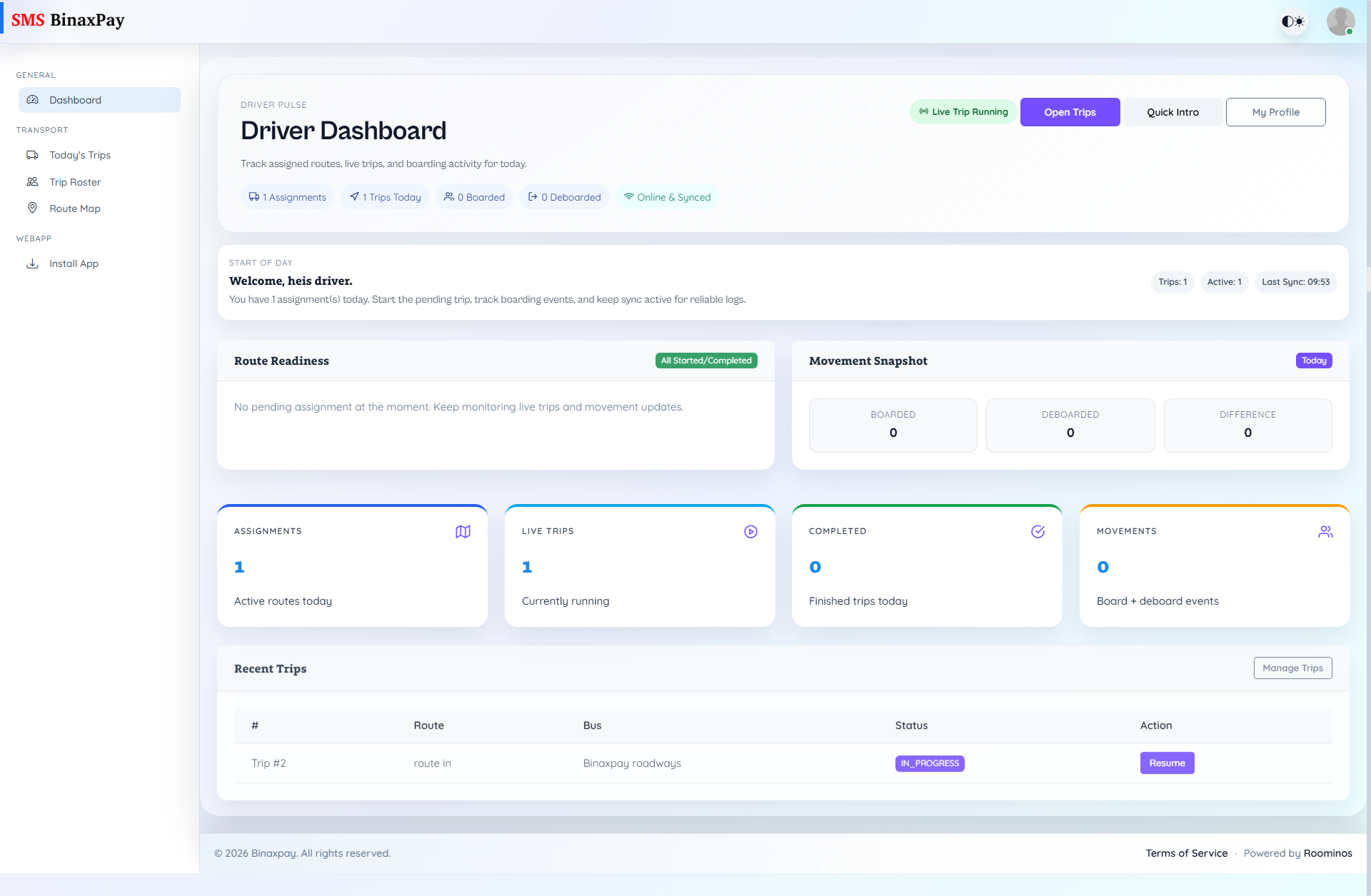
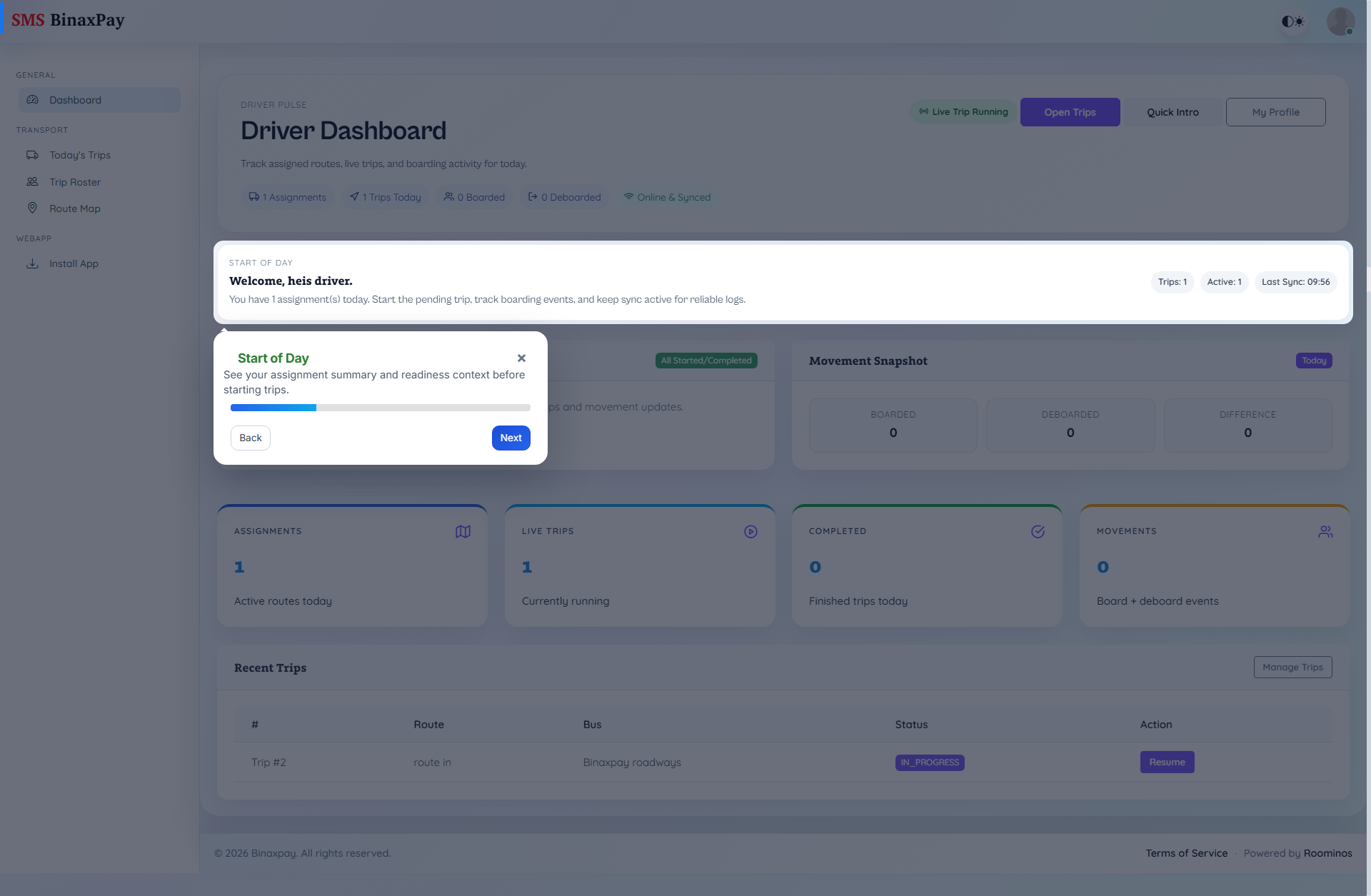
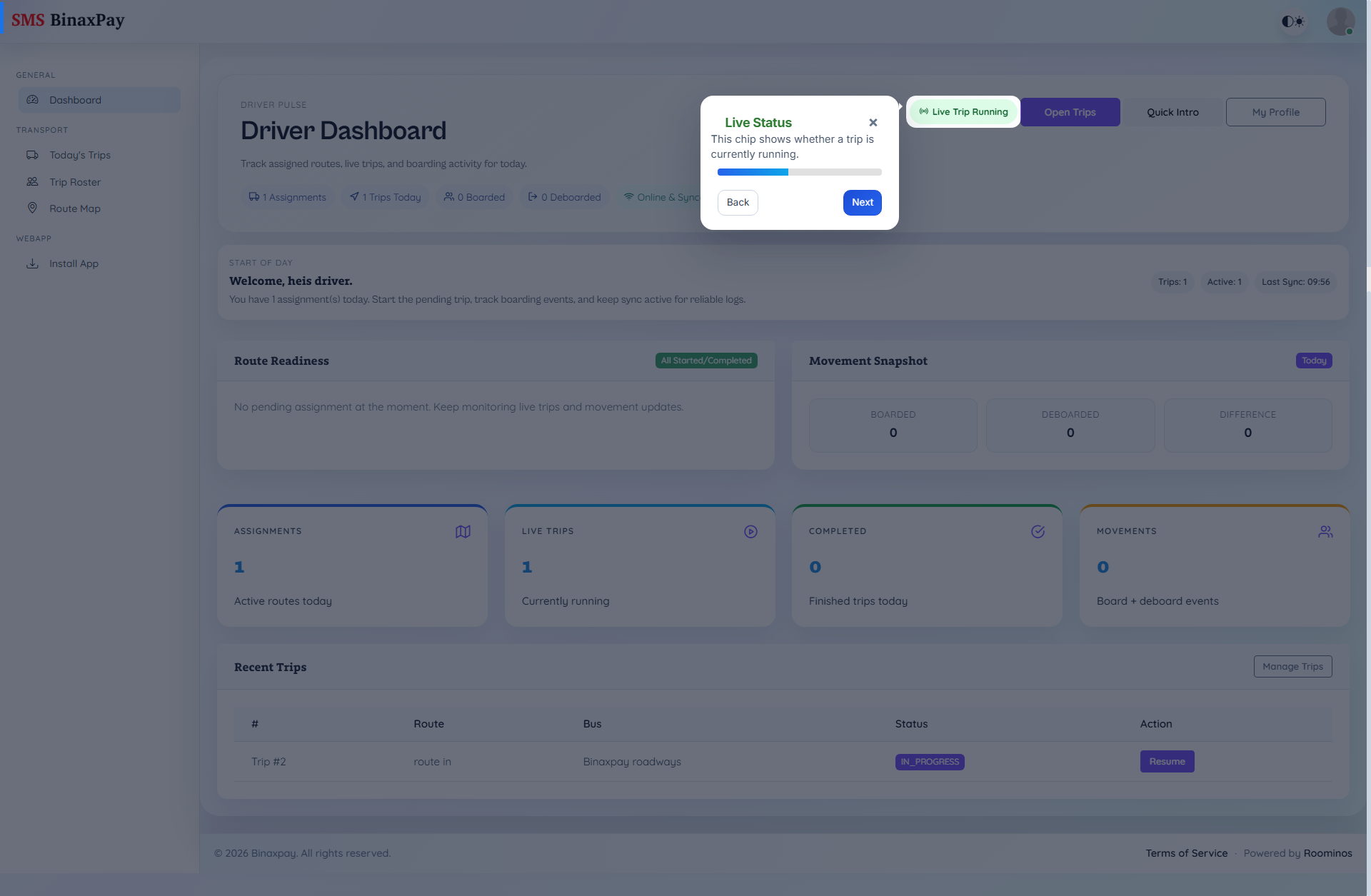
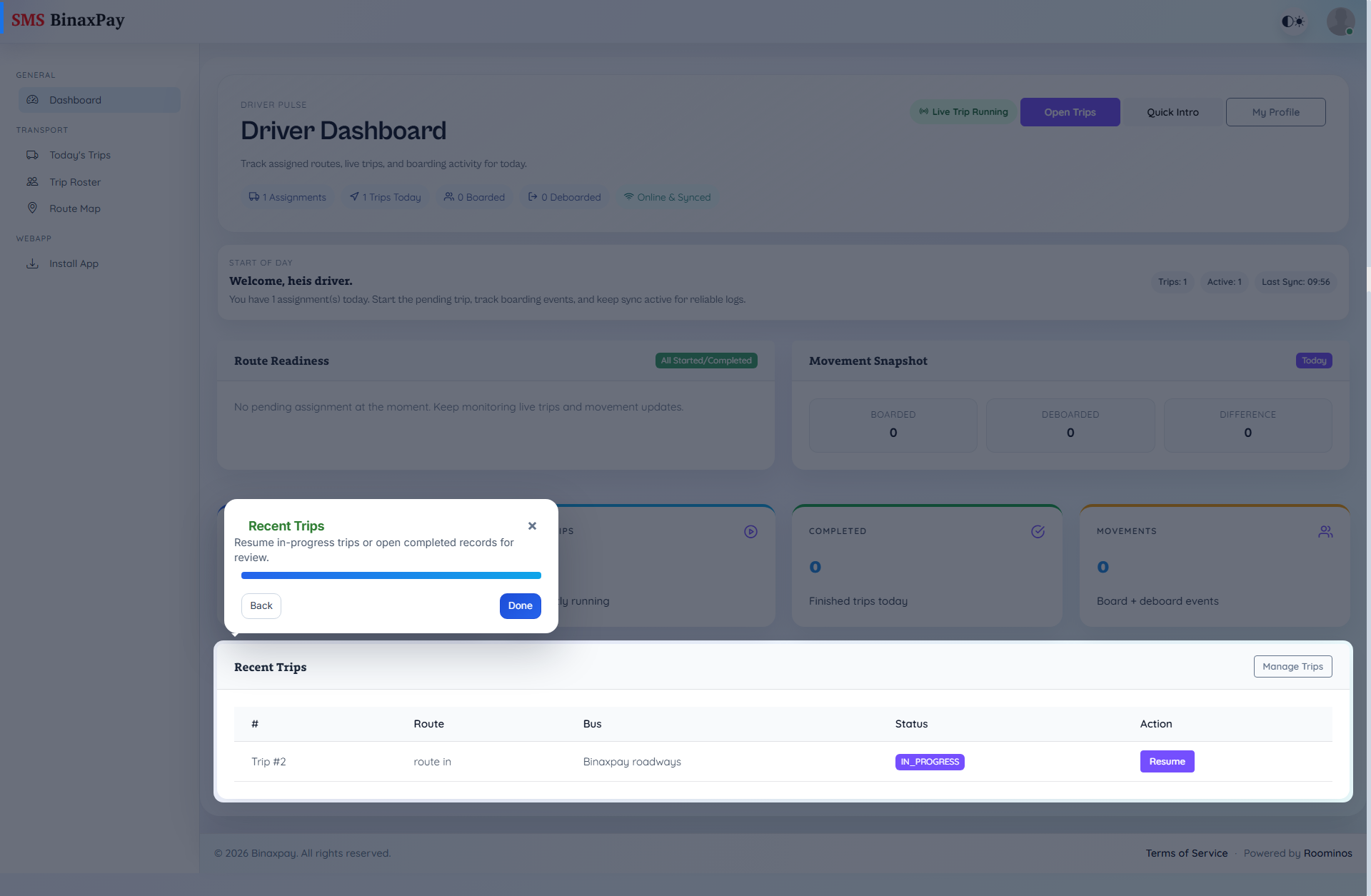
Always remember to download PWA using Chrome browser.