Role Navigation
Swipe roles, tap to open submenuStudent • Homework
Standalone submenu content with role-aligned workflow and execution checkpoints.
Overview
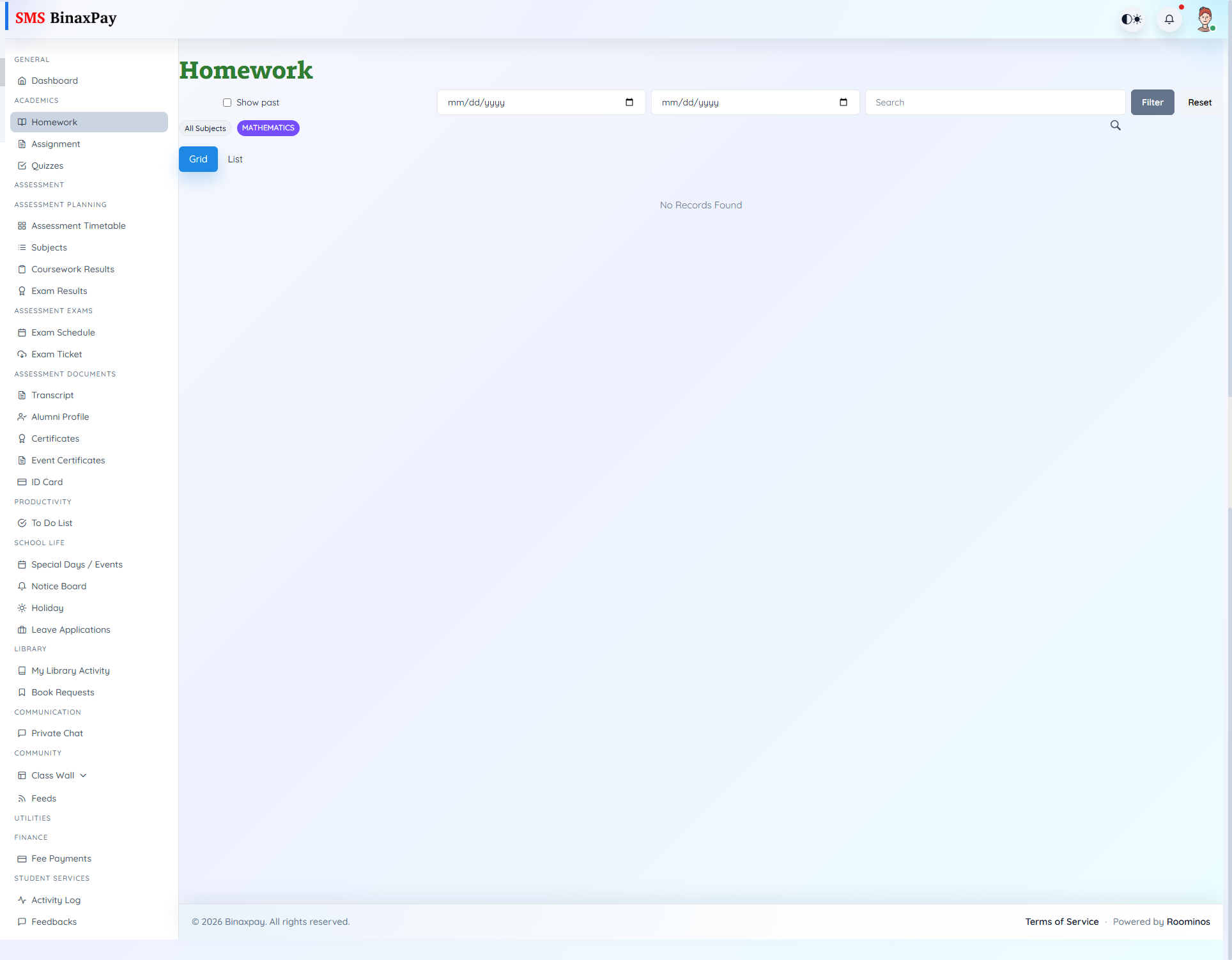
Homework (student/homework/index.blade.php) is the response submission module with filters for search, subject, date, and show-past behavior. Students open homework cards, review attachments/instructions, upload files, and resubmit only while submission windows remain open.
Key statuses include due/past badges, submission status with teacher comment/score context, and explicit submission-closed messages after deadline.
Workflow Execution Steps
- Filter homework by subject or date and open due items.
- Review description and attachments before submission.
- Upload file(s) before due closure and submit.
- Confirm submitted status and teacher comment where available.
Reference Screenshots