Role Navigation
Swipe roles, tap to open submenuTeacher • To Do List
Standalone submenu content with role-aligned workflow and execution checkpoints.
Overview
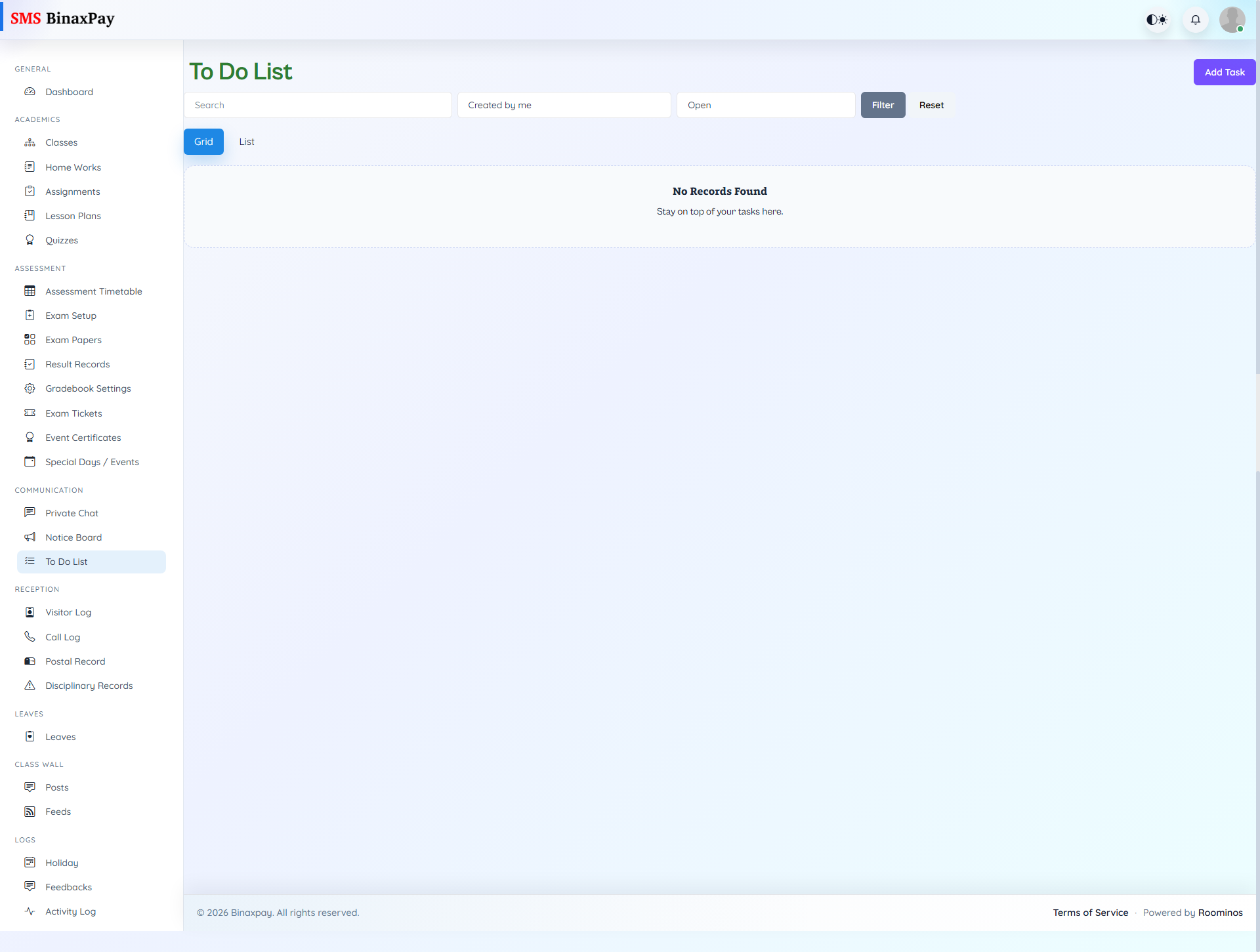
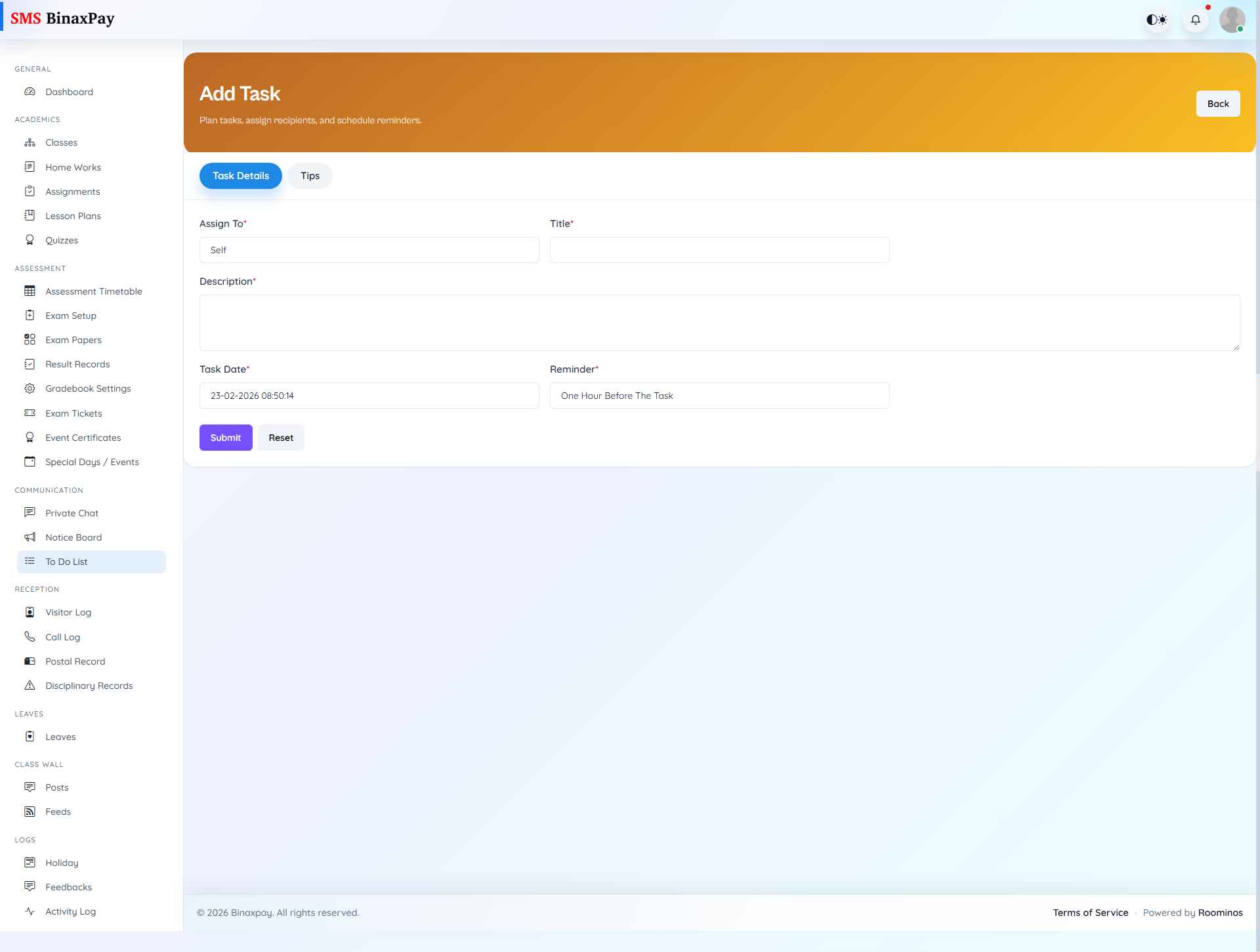
To Do List is the teacher’s operational follow-up register where tasks can be created, filtered, edited, and marked complete. The add flow supports flexible assignee modes, including self, class, teacher, or student targeting with date-aware reminders. Teachers should maintain this list daily so actions discussed in meetings or chats convert into tracked completion records.
Workflow Execution Steps
- Create task with due/reminder settings and assignee type.
- Monitor open tasks through filtered execution view.
- Edit or snooze tasks when schedule changes occur.
- Mark completed only after evidence of completion.
Reference Screenshots