Role Navigation
Swipe roles, tap to open submenuTeacher • Feedbacks
Standalone submenu content with role-aligned workflow and execution checkpoints.
Overview
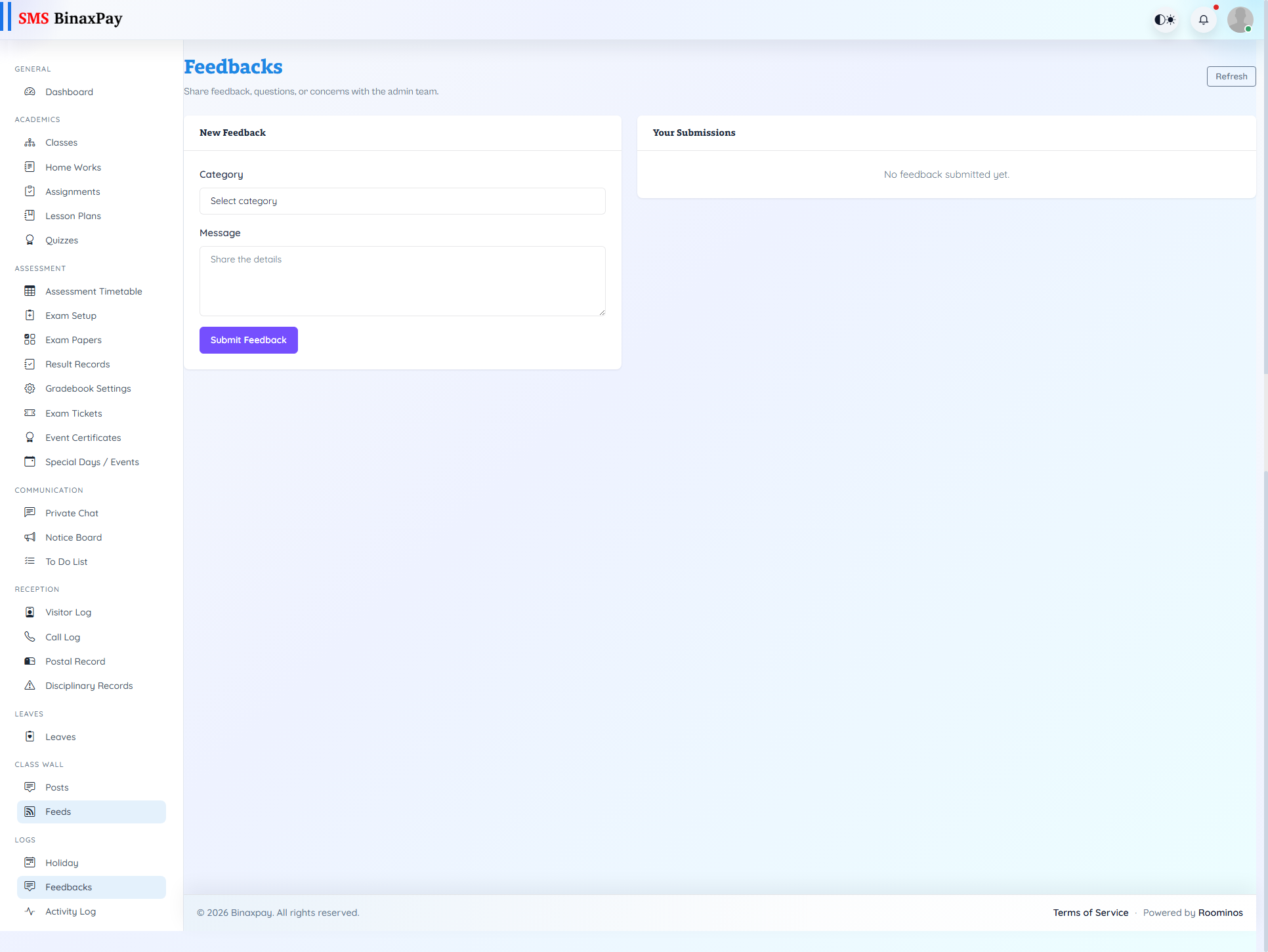
Feedbacks uses the shared feedback portal in teacher context and supports issue submission, status tracking, and threaded replies. Teachers can create new feedback entries, monitor resolution progress, and continue structured conversations until closure. This module should be used for formal escalation and traceable resolution instead of ad-hoc chat reporting.
Workflow Execution Steps
- Create feedback issue with clear context and evidence.
- Monitor status and response updates in feedback thread.
- Reply with clarifications until resolution is reached.
- Close feedback only after confirmed outcome.
Reference Screenshots