Role Navigation
Swipe roles, tap to open submenuTeacher • Classes
Standalone submenu content with role-aligned workflow and execution checkpoints.
Overview
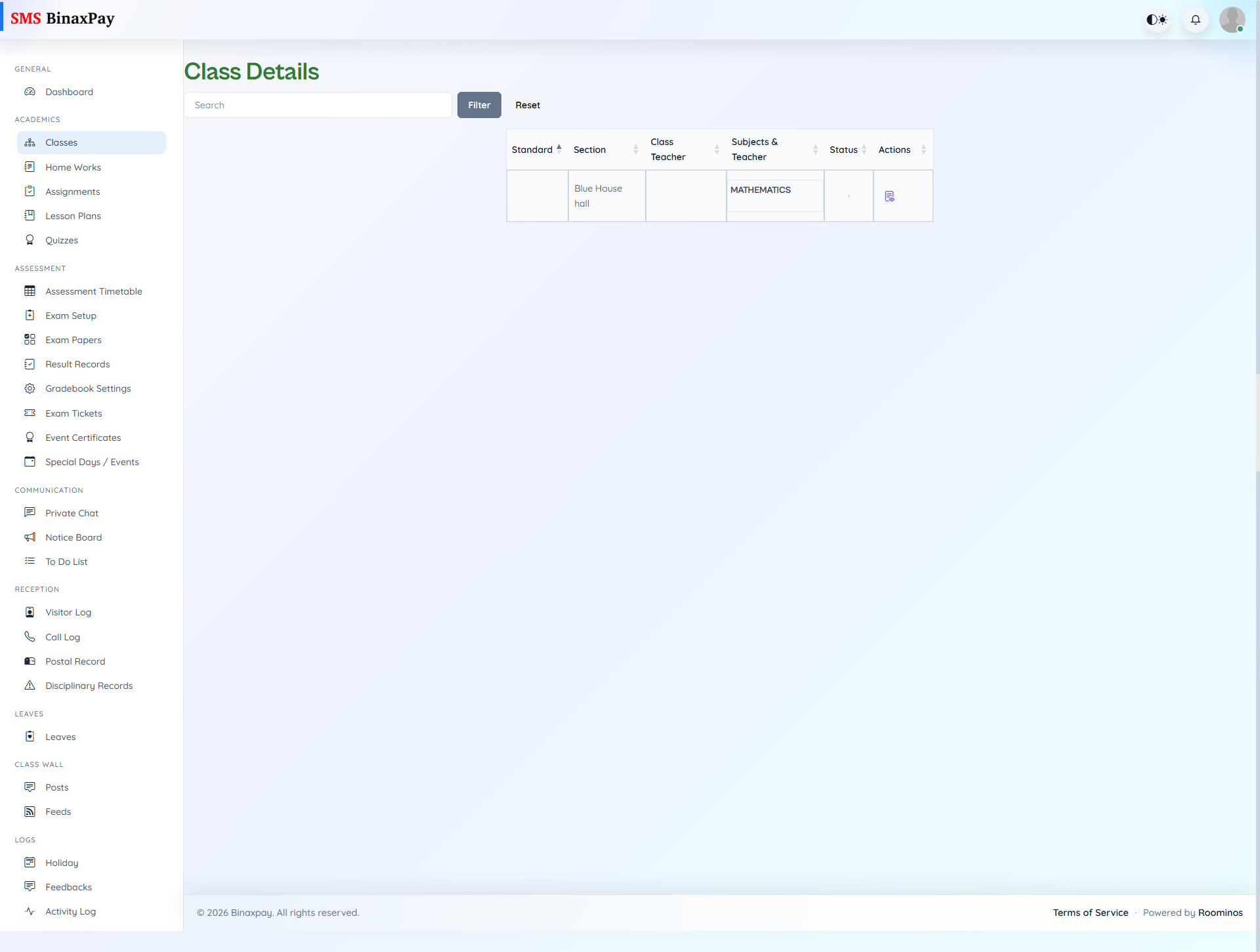
Classes is the teacher scope anchor, because many downstream actions rely on proper class and section mapping. From this area, the teacher validates linked standards and section contexts before creating homework, assignments, lesson plans, or class-targeted communication. If classes are misaligned here, academic artifacts can be published to the wrong audience, so this screen should be checked before major academic updates.
Workflow Execution Steps
- Open class list and verify assigned classes and sections.
- Open class details where needed and confirm target context.
- Validate class scope before creating academic artifacts.
- Proceed with class-bound actions only after context is confirmed.
Reference Screenshots