Role Navigation
Swipe roles, tap to open submenuTeacher • Activity Log
Standalone submenu content with role-aligned workflow and execution checkpoints.
Overview
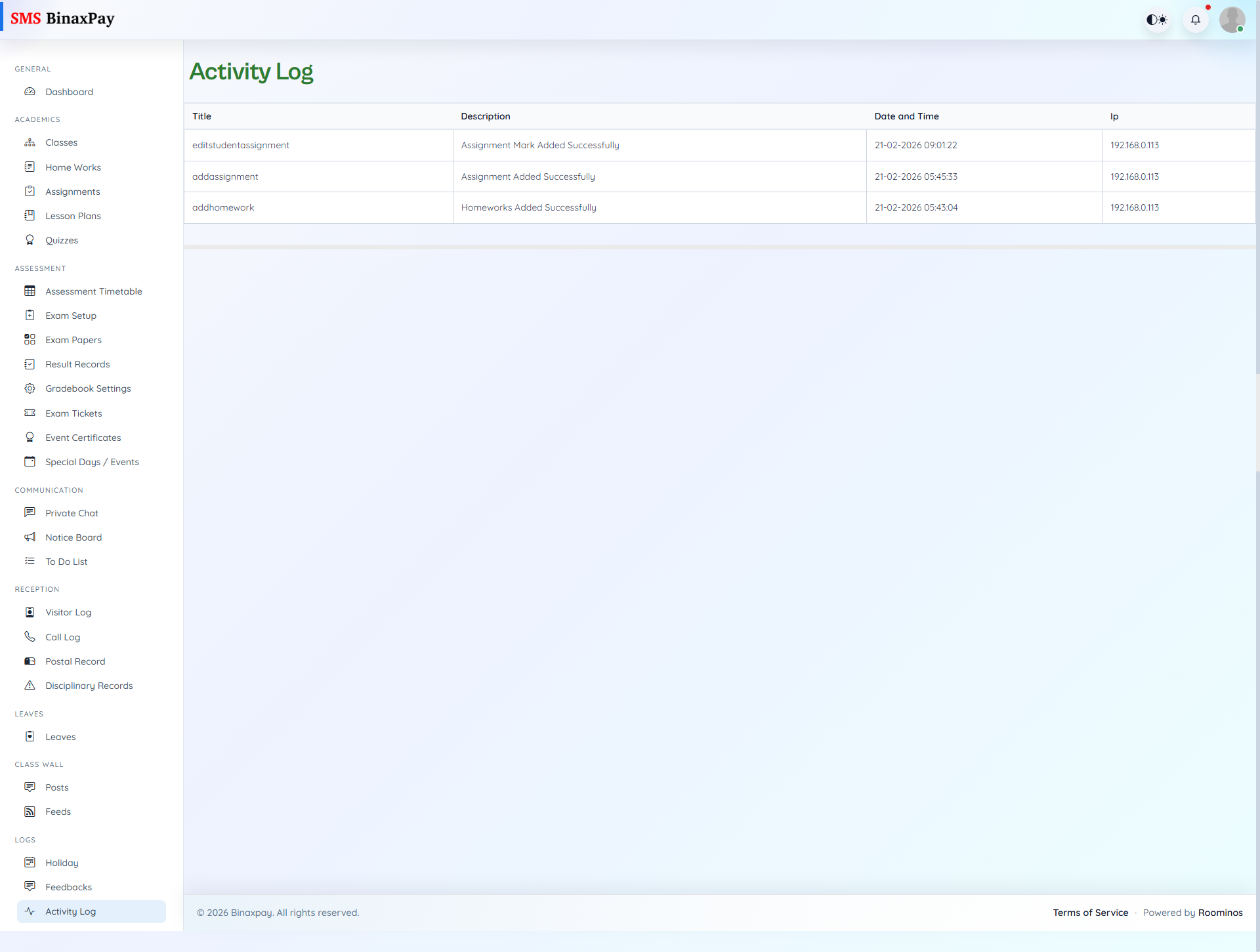
Activity Log is the accountability trace for teacher actions and records key operational events with time and source metadata. Teachers should verify this page after high-impact actions, especially during exam, records, and communication workflows. It serves as evidence for completion, audits, and troubleshooting when discrepancies are reported.
Workflow Execution Steps
- Open activity log and filter by date/module/action.
- Verify critical updates are recorded correctly.
- Retain key entries for dispute or escalation evidence.
- Use trace evidence before marking operational flow complete.
Reference Screenshots