Role Navigation
Swipe roles, tap to open submenuStudent • Notice Board
Standalone submenu content with role-aligned workflow and execution checkpoints.
Overview
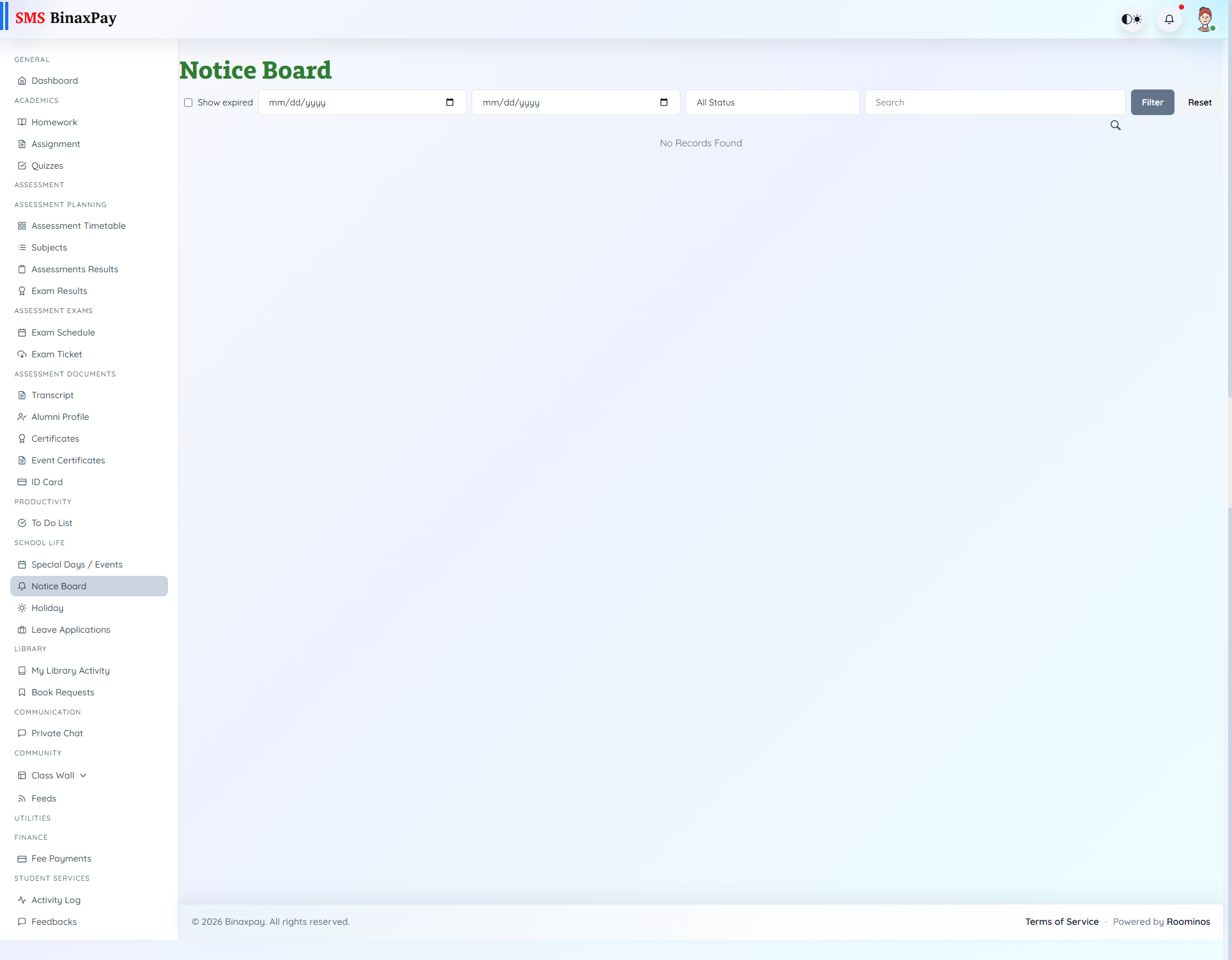
Notice Board (student/noticeboard/index.blade.php) is the official notice consumption page with date/status/search/expired filtering and attachment access.
Active/Inactive badges and empty states guide whether a notice is currently actionable.
Workflow Execution Steps
- Open notices and filter by active/date/search context.
- Read latest official notice content.
- Open attachments where present.
- Align actions with published instructions.
Reference Screenshots