Role Navigation
Swipe roles, tap to open submenuAccountant • Movements
Standalone submenu content with role-aligned workflow and execution checkpoints.
Overview
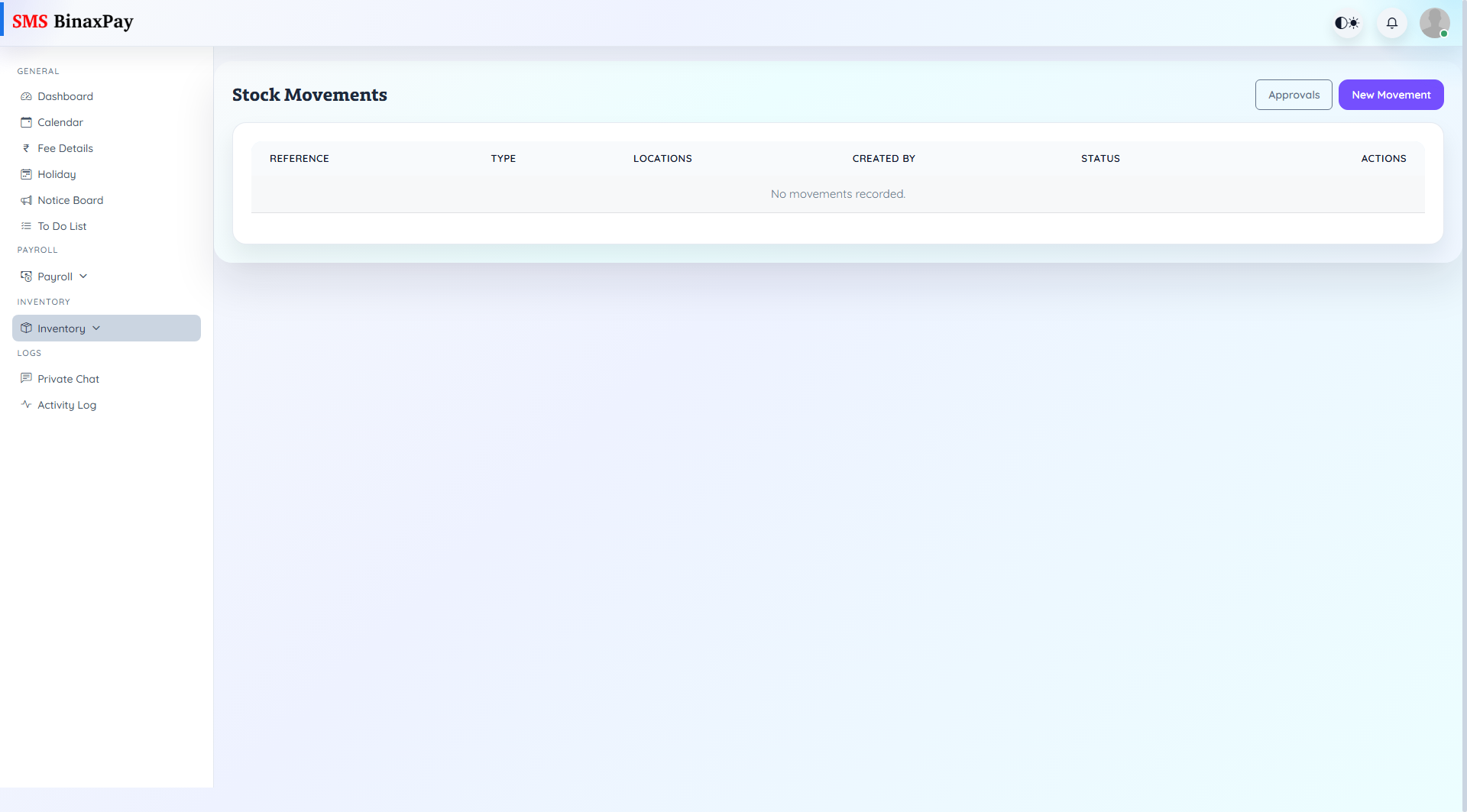
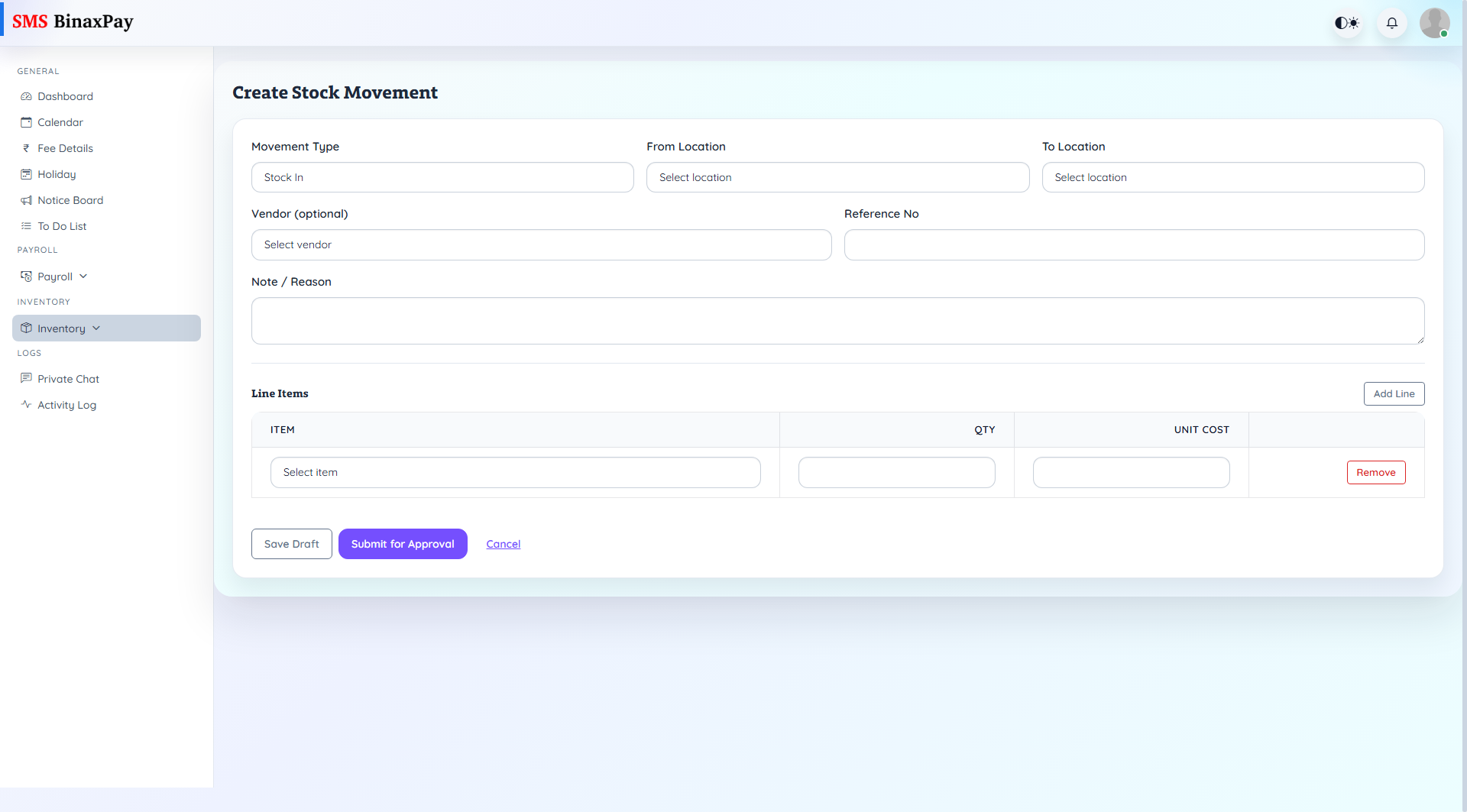
Movements tracks stock-in, transfer, and related movement records with status and source/target locations. It is used to keep stock postings operationally current.
Workflow Execution Steps
- Open movement list and review pending/posted records.
- Create new movement when stock changes occur.
- Inspect movement detail for accuracy and context.
- Route pending items to approvals when required.
Reference Screenshots