Role Navigation
Swipe roles, tap to open submenuReceptionist • Holiday
Standalone submenu content with role-aligned workflow and execution checkpoints.
Overview
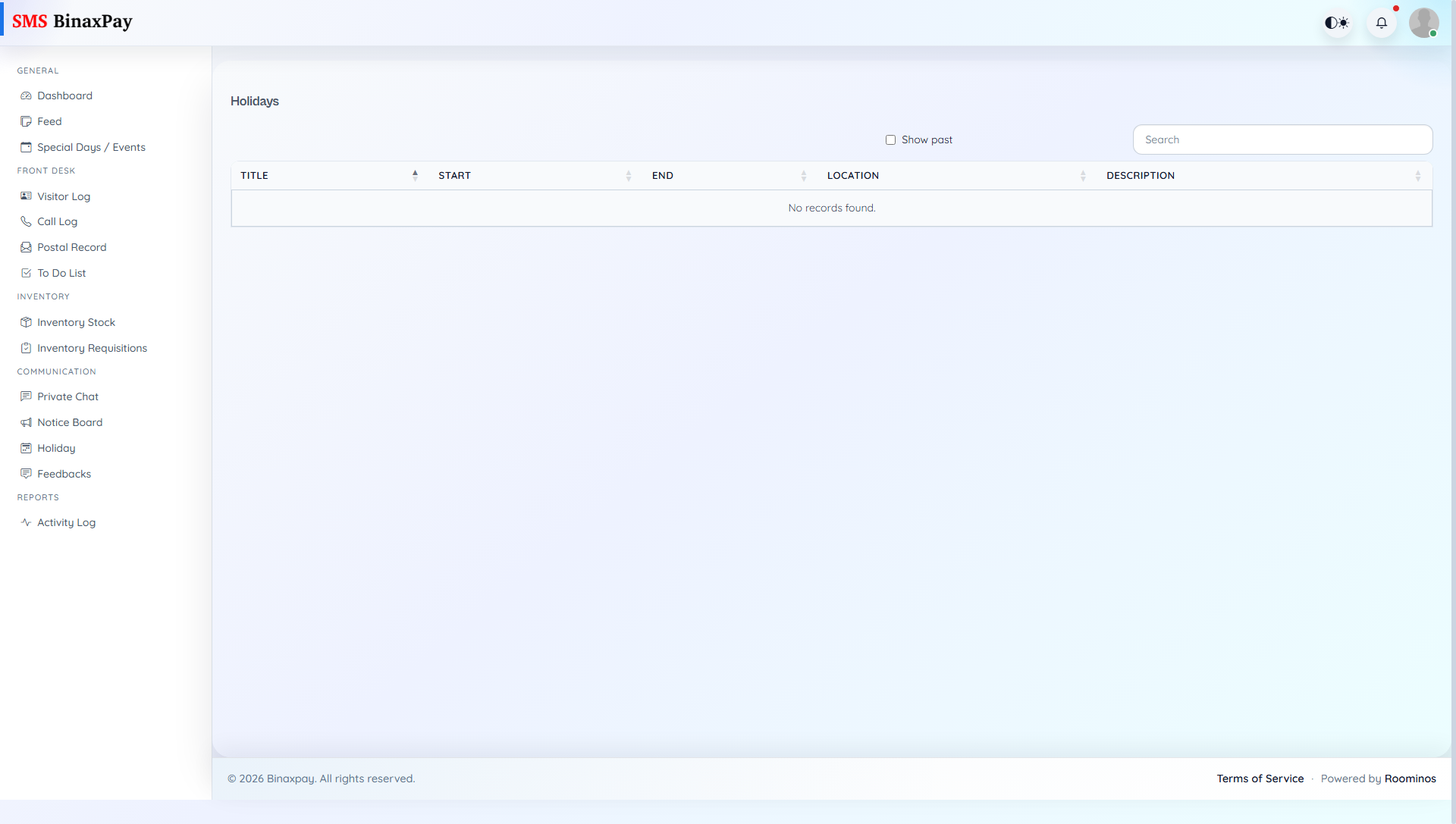
Holiday page provides official holiday context used for attendance, office timing, and desk response consistency. Receptionist should check this page when handling date-based parent or student queries.
Workflow Execution Steps
- Review holiday range and current status windows.
- Cross-check requested date against holiday context.
- Communicate office/school availability accurately.
- Update desk commitments when date falls on holiday.
Reference Screenshots