Role Navigation
Swipe roles, tap to open submenuParent • Disciplinary Info
Standalone submenu content with role-aligned workflow and execution checkpoints.
Overview
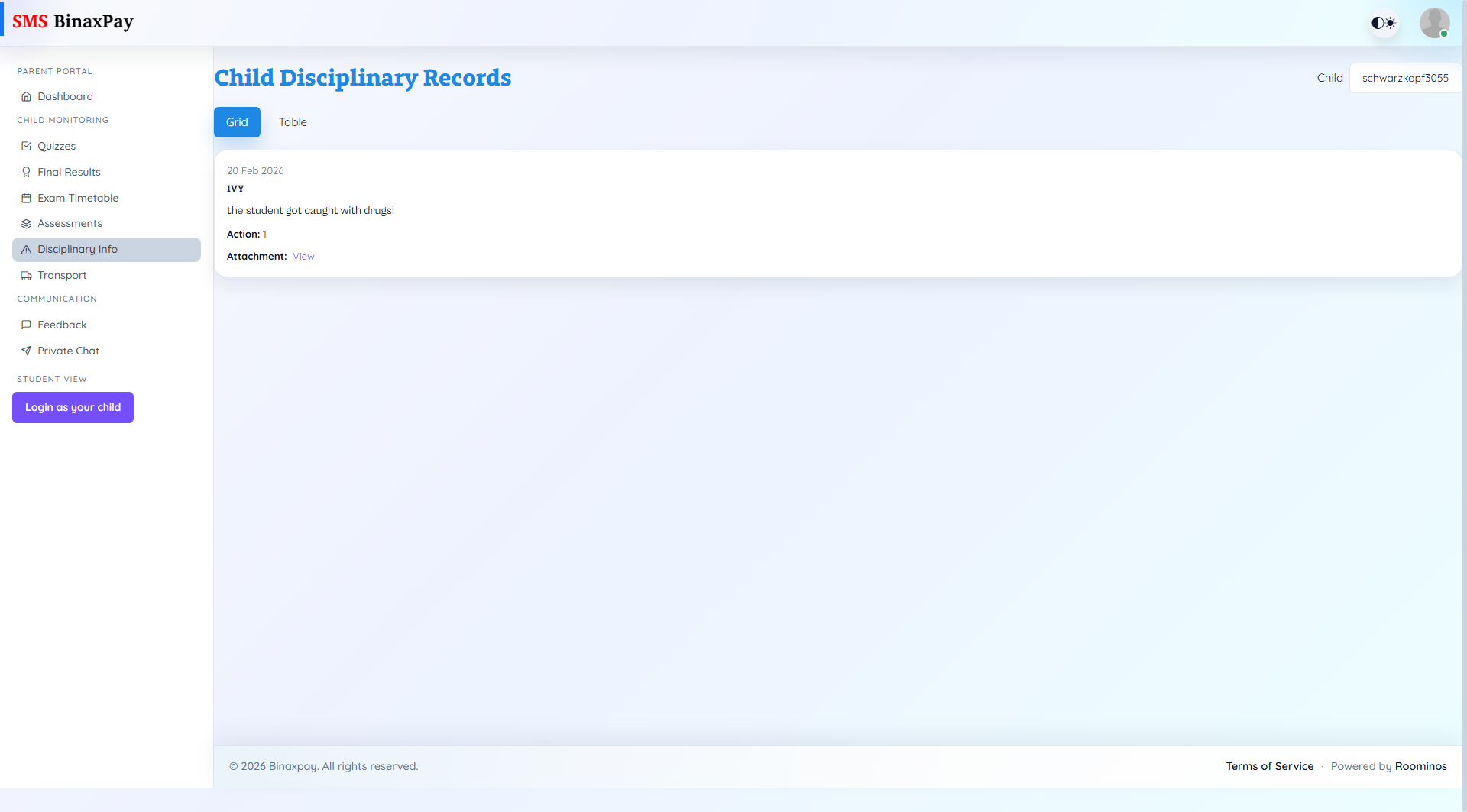
Disciplinary Info provides incident records, reporting teacher context, action taken, and available attachments for the selected child. This is a sensitive review page and should be used for evidence-based follow-up rather than assumptions. Parents should examine chronology, incident detail, and action notes before contacting school staff.
Workflow Execution Steps
- Select child and review records in grid or table view.
- Inspect incident detail, action notes, and attachments.
- Confirm recurrence or trend before escalation.
- Raise structured concern through feedback or chat if needed.
Reference Screenshots