Role Navigation
Swipe roles, tap to open submenuStudent • My Library Activity
Standalone submenu content with role-aligned workflow and execution checkpoints.
Overview
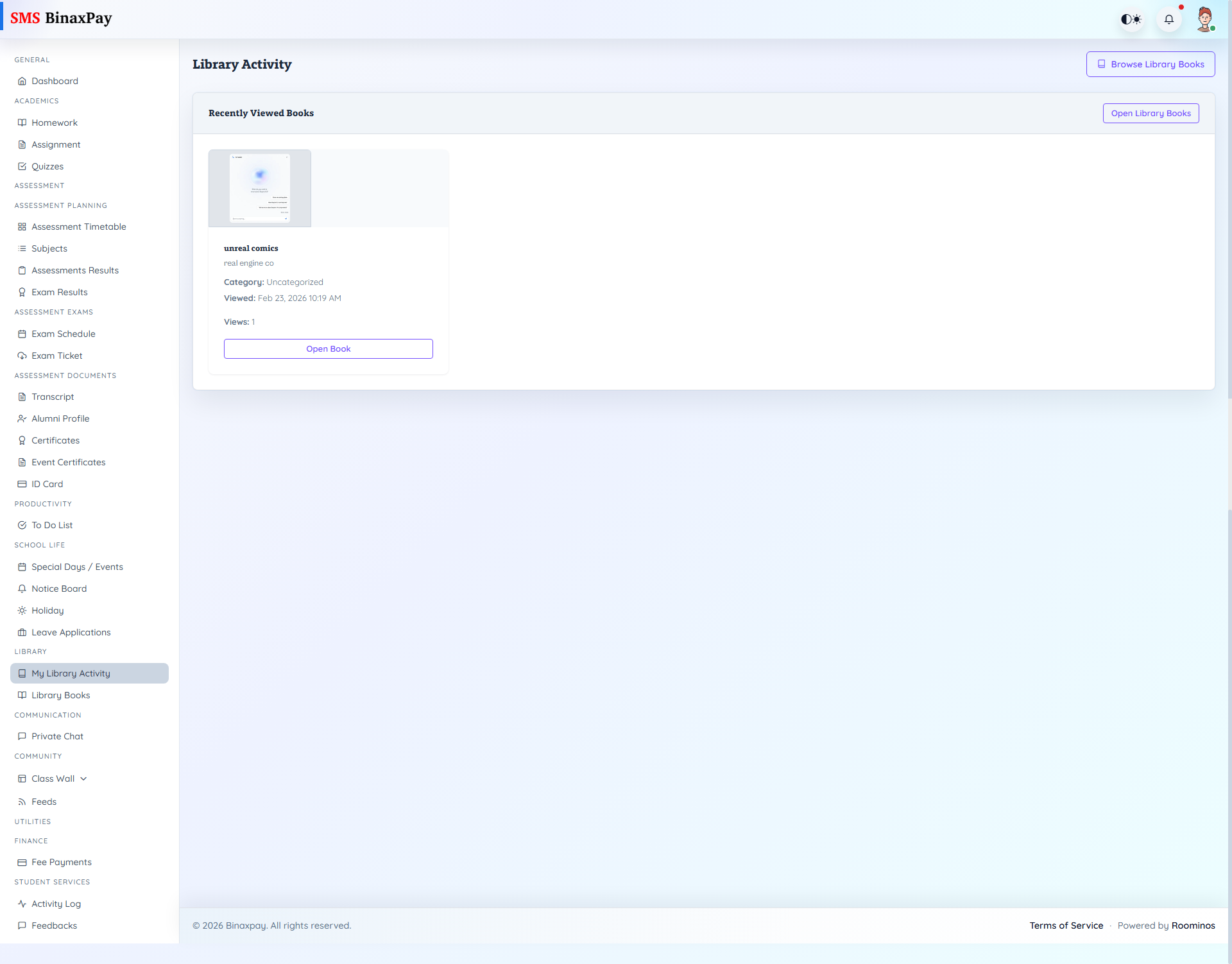
My Library Activity provides student-facing history of library interactions and lending/request records. Students should use this page to verify issued and fulfilled movement before raising clarification requests to librarian teams.
Workflow Execution Steps
- Open library activity and review current and historical entries.
- Validate issued and fulfilled status movement on each record.
- Use activity trail when clarifying librarian-side updates.
- Escalate stalled records with exact activity references.
Reference Screenshots