Role Navigation
Swipe roles, tap to open submenuStudent • Activity Log
Standalone submenu content with role-aligned workflow and execution checkpoints.
Overview
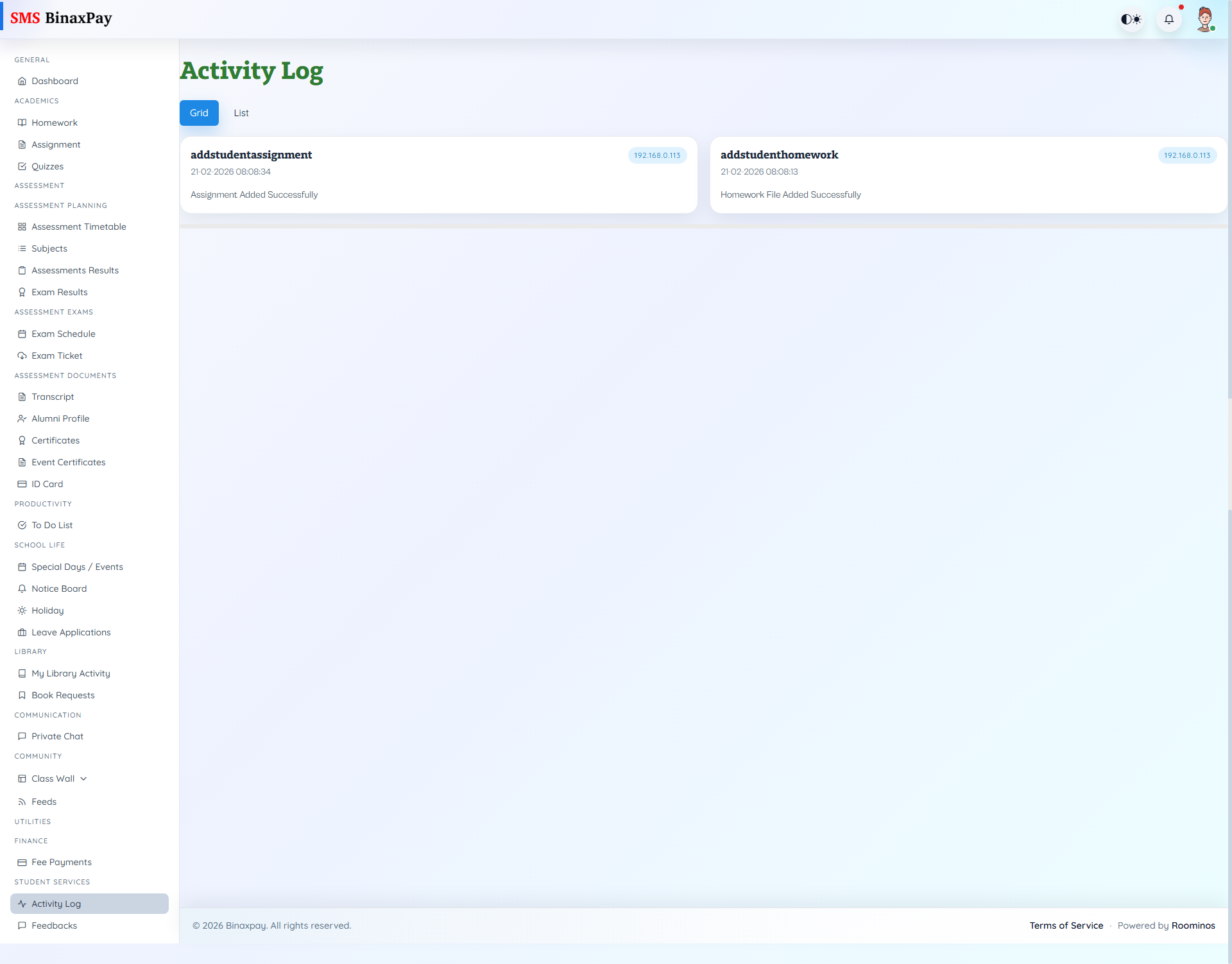
Activity Log (student/activity_log/*) is the user action footprint panel with description, timestamp, and IP metadata across grid/list views.
Use this before raising disputes on whether an action was performed.
Workflow Execution Steps
- Open activity log and filter recent actions.
- Verify critical submission/request/update actions are logged.
- Compare log trace with claimed workflow completion.
- Use log evidence during dispute escalation.
Reference Screenshots