Role Navigation
Swipe roles, tap to open submenuStudent • Quizzes
Standalone submenu content with role-aligned workflow and execution checkpoints.
Overview
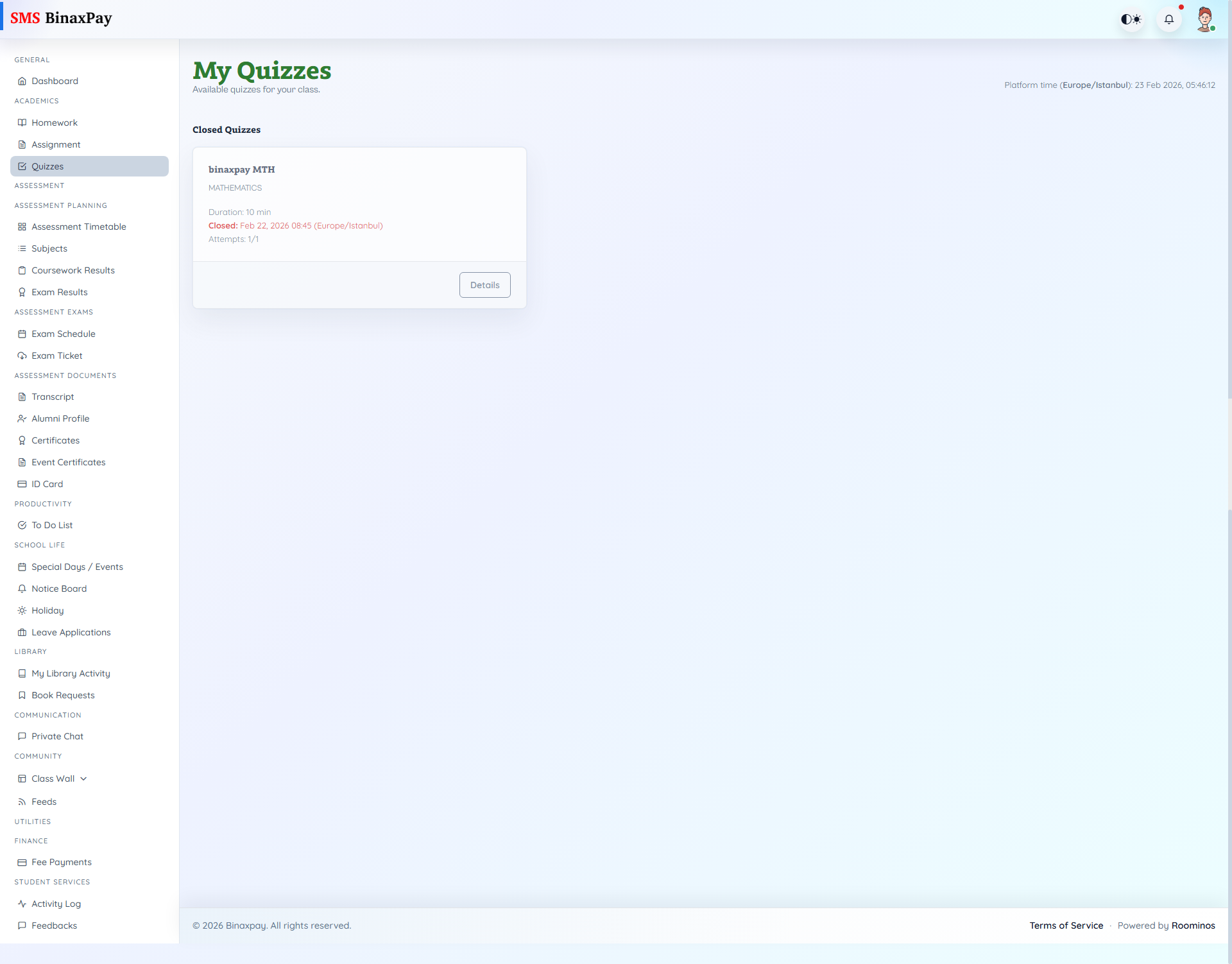
Quizzes (student/quiz/*) supports end-to-end attempt flow: index sections (available/upcoming/closed), details (duration/schedule/max attempts/history), attempt page (timer/autosave/ping/integrity hooks), and result page (correct/incorrect/pending/manual review states).
Start actions are gated by eligibility (canAttempt) and attempt constraints such as pause/resume/attempt limits.
Workflow Execution Steps
- Open quiz list and choose an available quiz.
- Start attempt and save answers during the session.
- Submit before attempt window ends.
- Open result/status view and verify completion outcome.
Reference Screenshots