Role Navigation
Swipe roles, tap to open submenuStudent • Classwall
Standalone submenu content with role-aligned workflow and execution checkpoints.
Overview
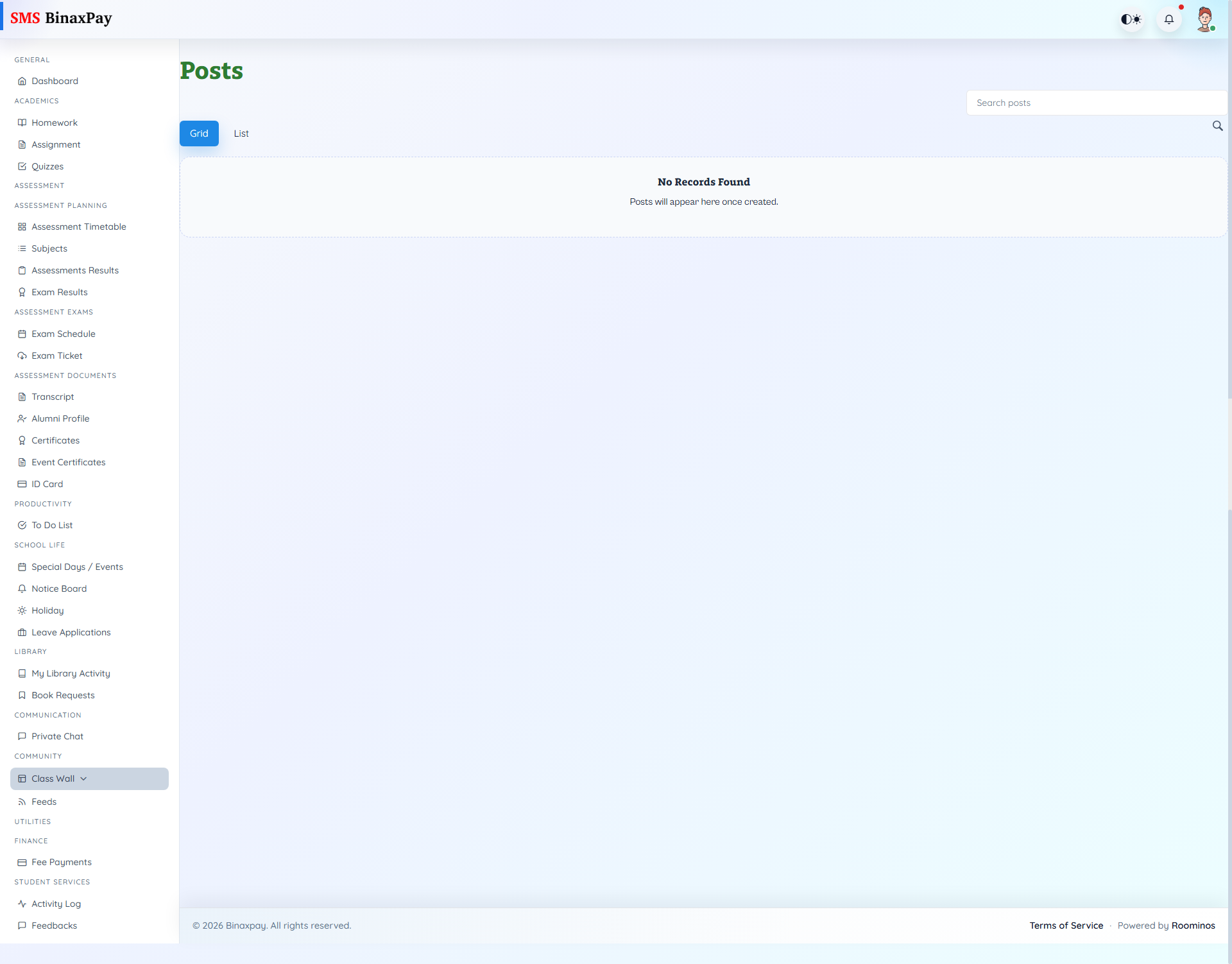
Classwall (student/classwall/*) provides class posts/pages discovery with search/tabs and detail pages. It is the contextual community stream for class-level updates and resources.
Empty states and interaction counts (comments/attachments/time) help interpret engagement context.
Workflow Execution Steps
- Open class wall posts and read latest class updates.
- React or comment where interaction is allowed.
- Track follow-up discussions for class context.
- Return to execution modules for actionable items.
Reference Screenshots