Role Navigation
Swipe roles, tap to open submenuTeacher • Gradebook Settings
Standalone submenu content with role-aligned workflow and execution checkpoints.
Overview
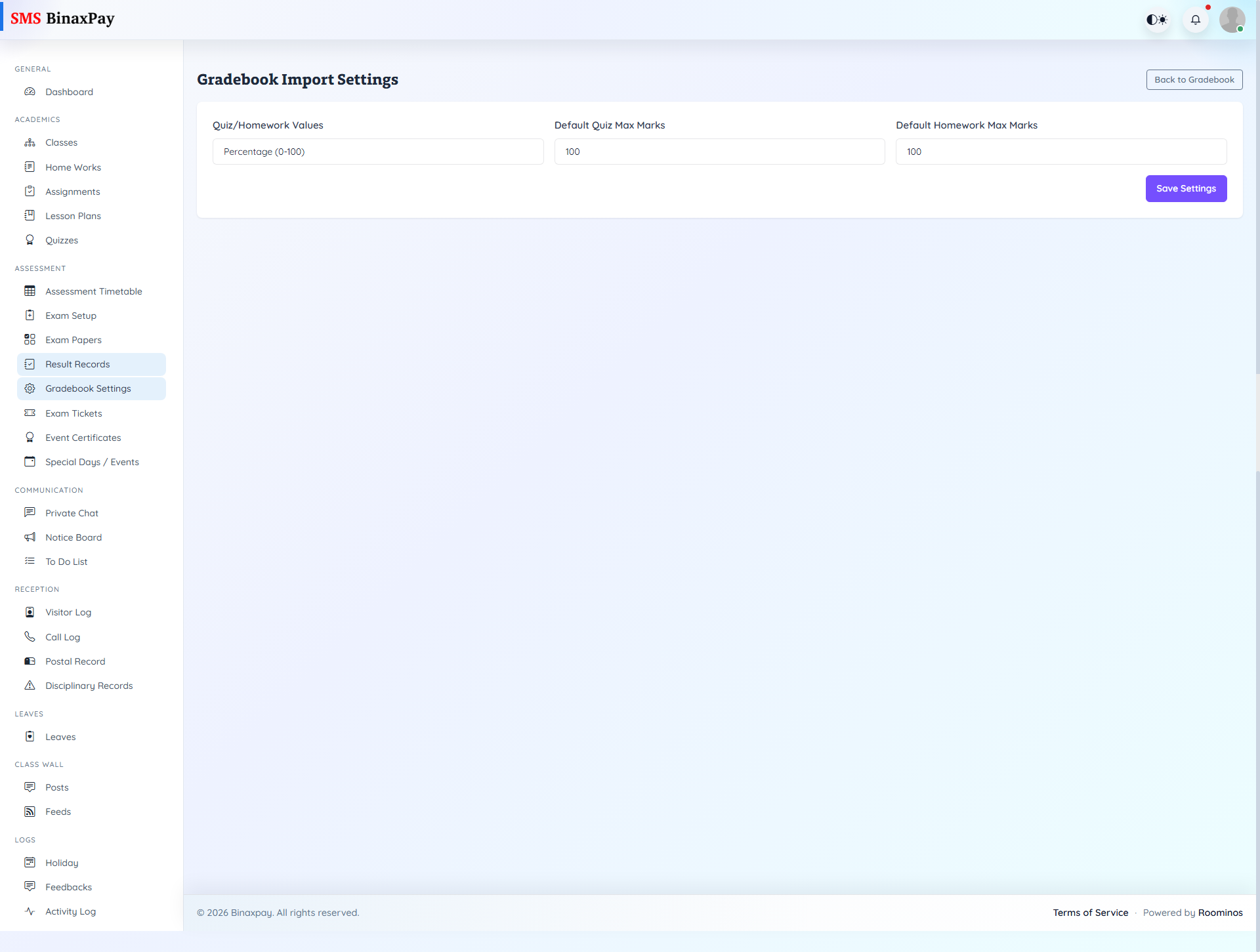
Gradebook Settings manages import behavior and related configuration choices that influence CSV and mark synchronization operations. Teachers should verify these settings before large imports to reduce formatting mismatches and avoid preventable data correction cycles. The page is configuration-heavy and should be treated as preparation before import, not as a post-error troubleshooting page.
Workflow Execution Steps
- Open import settings and configure format/mapping preferences.
- Download template and prepare validated CSV.
- Import through gradebook with pre-validated structure.
- Confirm reduced error risk and synchronization accuracy.
Reference Screenshots